01AI hentai girlfriend · 18+
Pick your AI hentai girlfriend and watch her render.
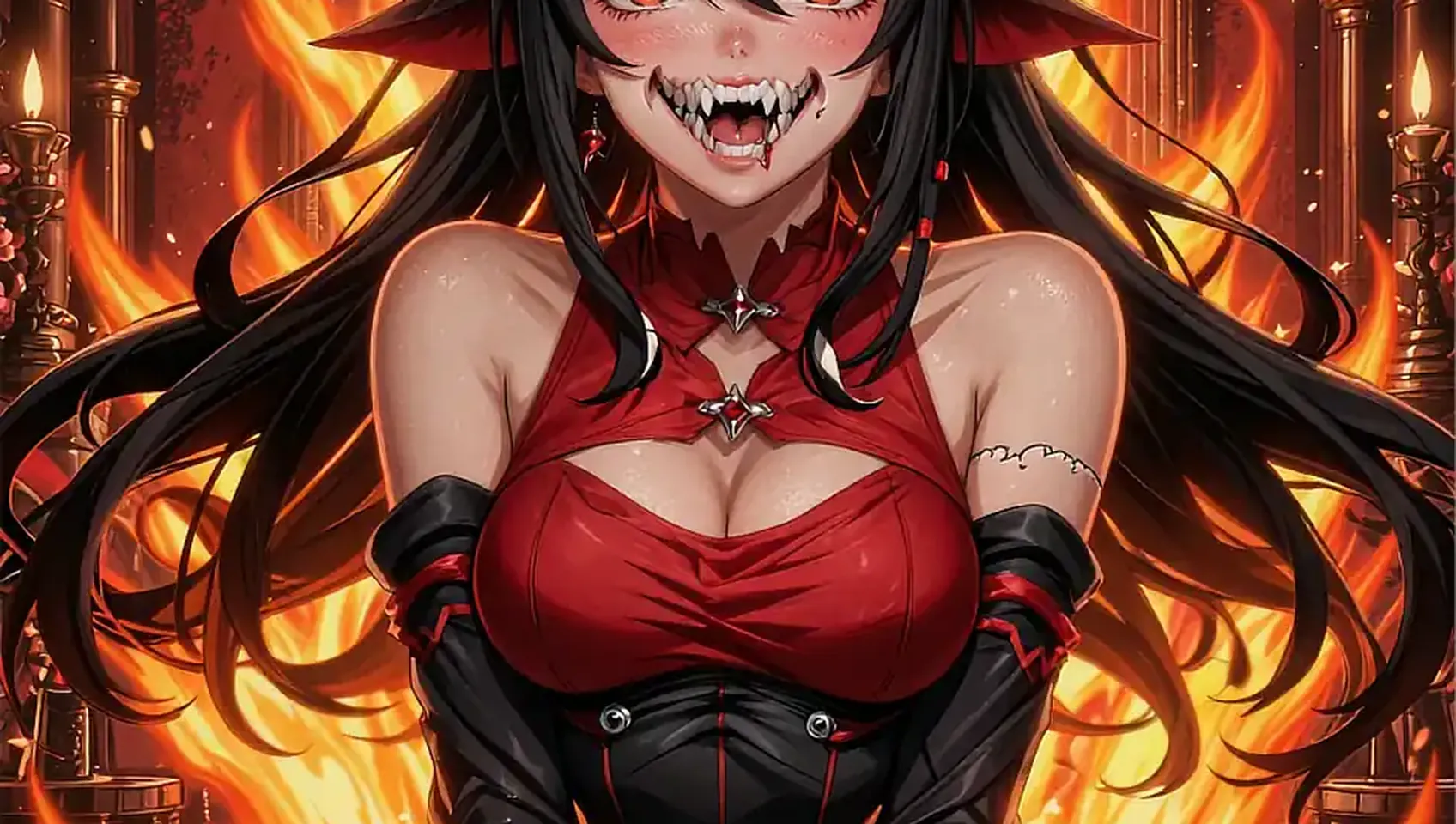
Twelve written characters wait on the roster, each with her own look and temperament. Pick one, set a style, and the first canvas opens in seconds.
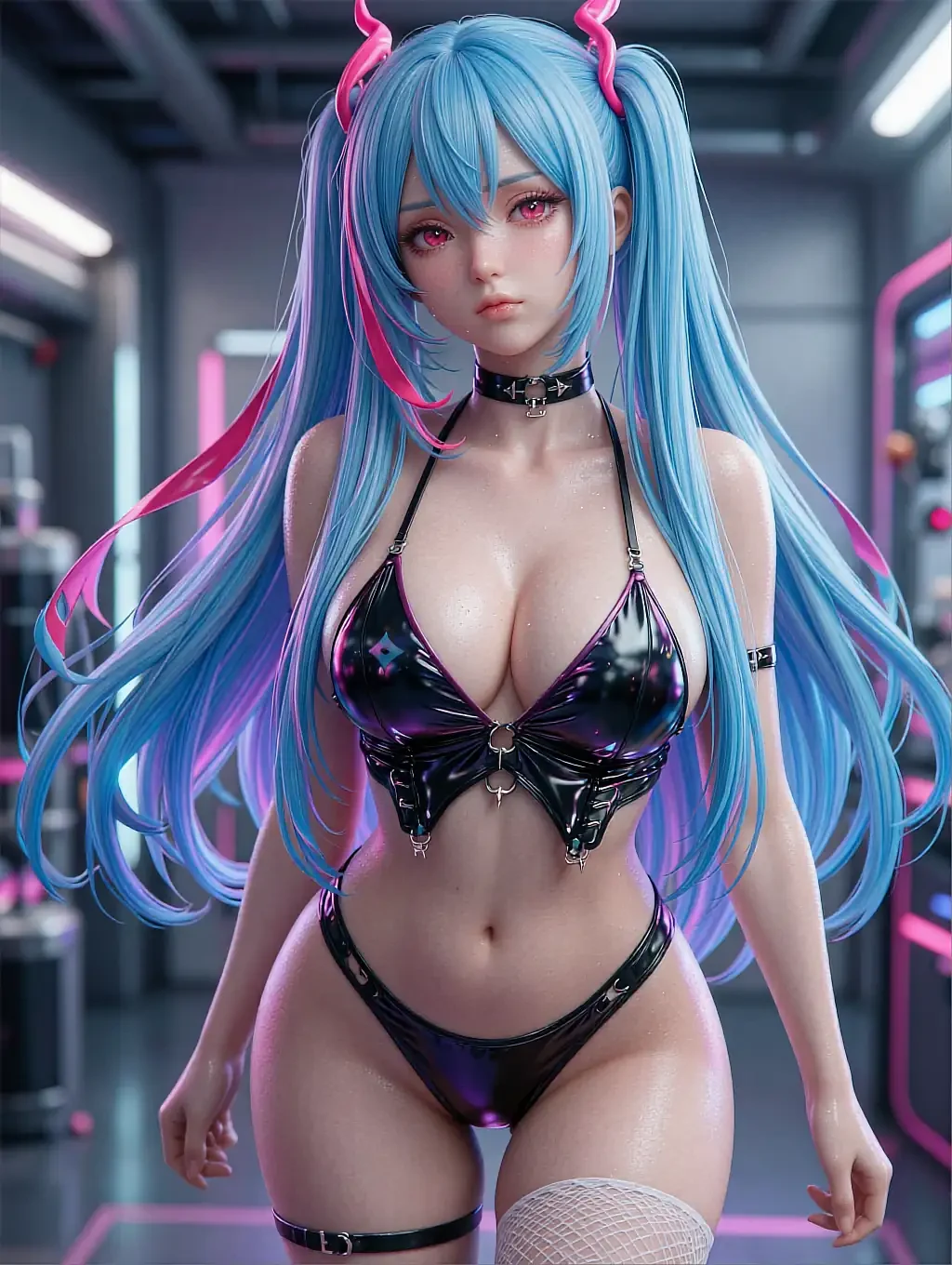
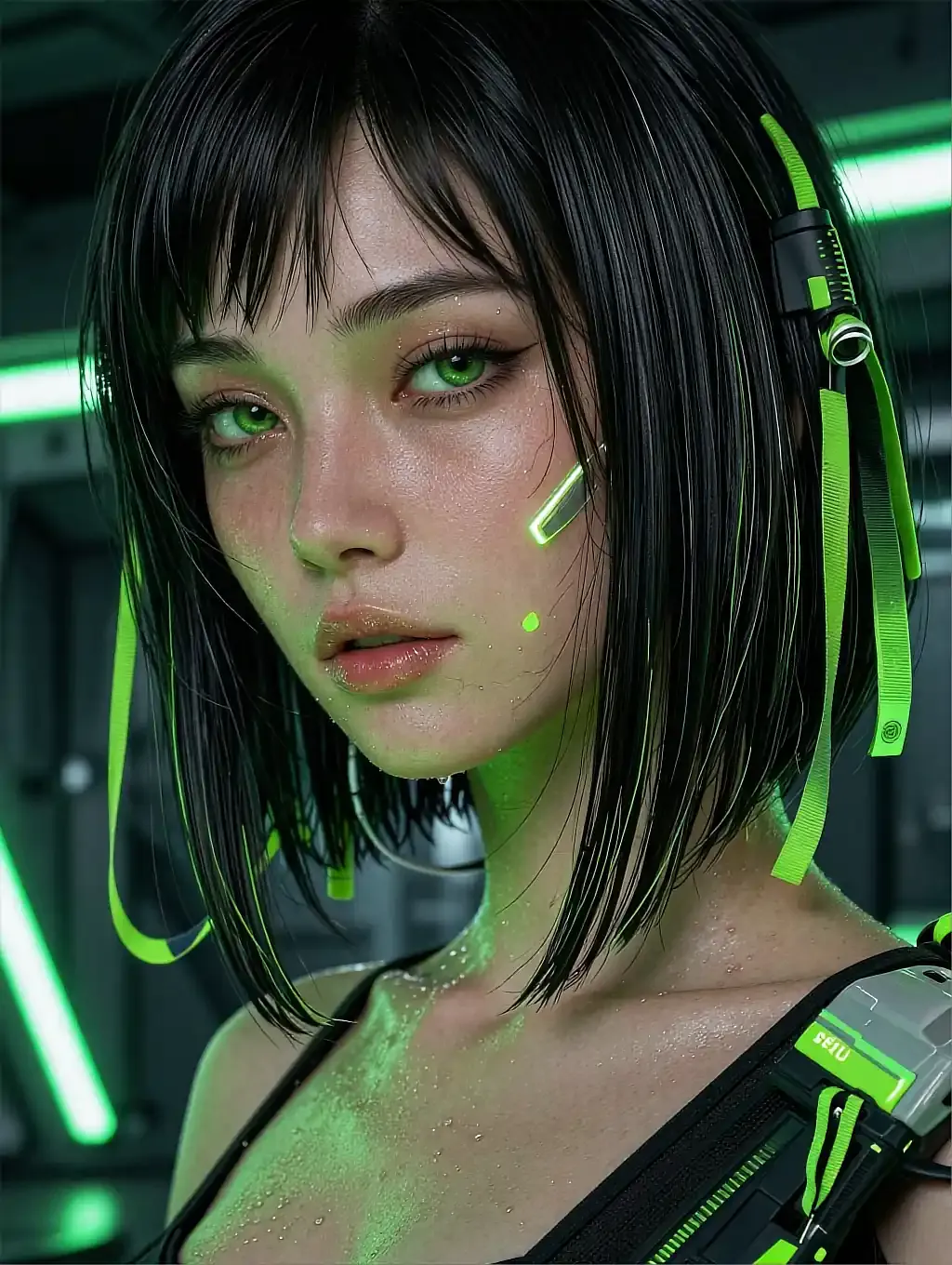
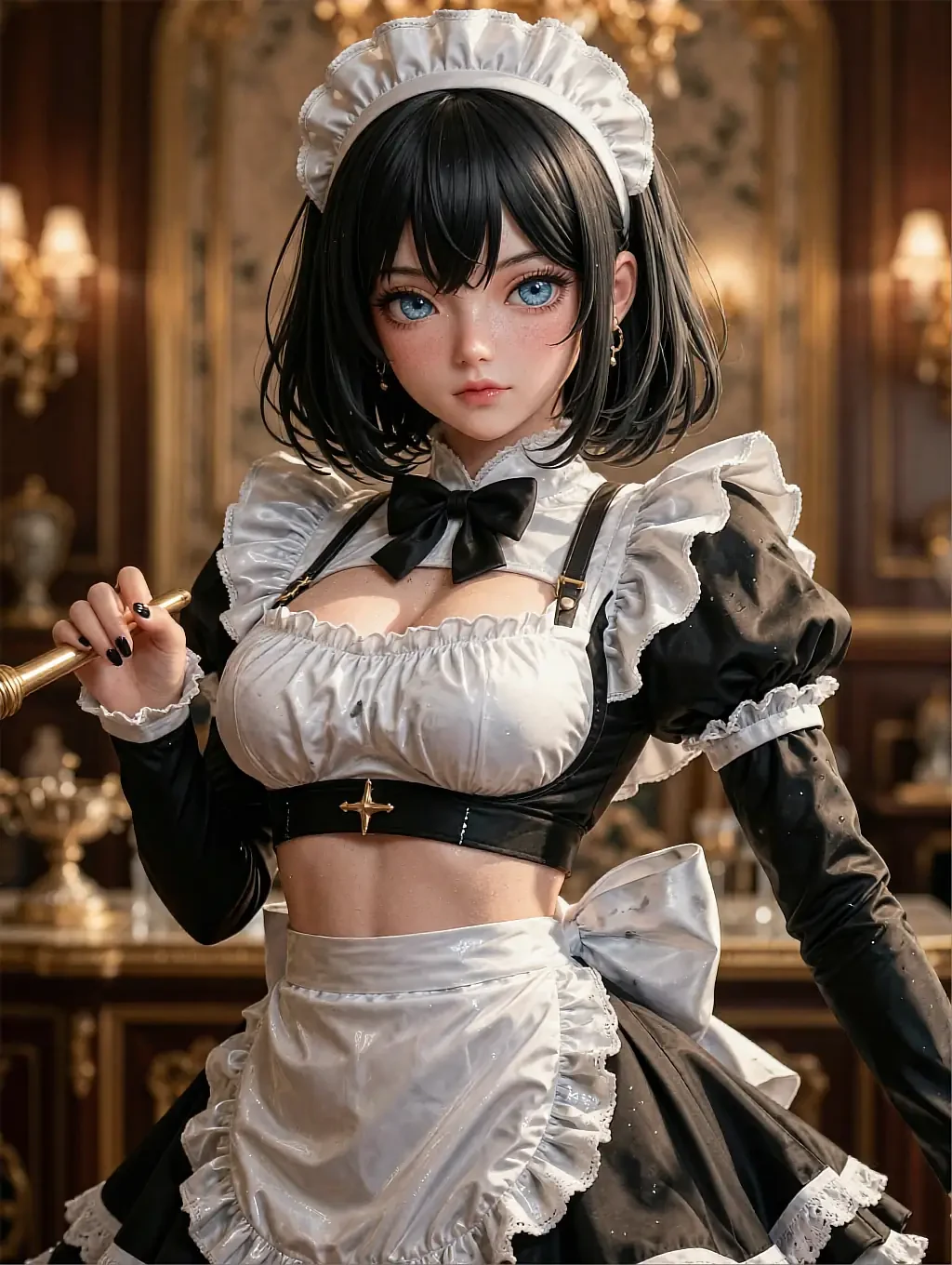
Fictional AI-illustrated characters only. Nobody here is a real person.
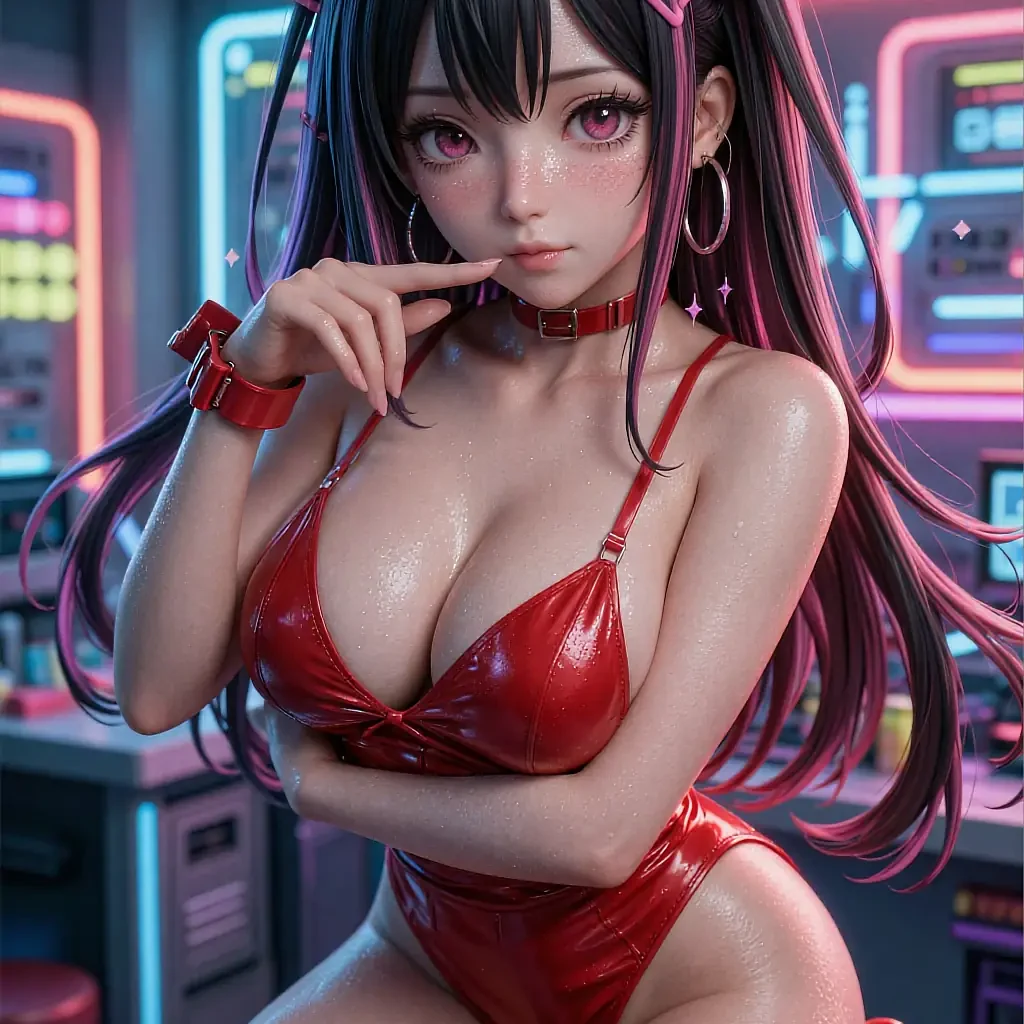
- Twelve characters
- Renders in seconds
- Free to open
- 18+
02The detail
What an AI hentai girlfriend actually renders
It's not a folder of finished pictures — it's a character who gets drawn again, differently, every time you ask.
An ai hentai girlfriend generator keeps one thing fixed while everything else moves: the face and temperament you picked stay consistent, while the pose, outfit and setting change with whatever you type. That's the opposite of a gallery site, where every image is somebody else's finished choice.
Because the character is written first — twelve of them here, each with a name, an age and a personality you can read before you commit — the roster does half the work before you've typed a single word. Picking Kasumi over Natsuki changes what a vague prompt defaults to, the same way picking a friend to describe a night out changes which details come first.
The rest is wording. A generator answers exactly what it's asked and nothing more, so the fastest way to a render you like is naming the one detail that matters — a colour, a mood, a setting — rather than typing a full paragraph and hoping.
What works well
- Twelve written characters, not one face with twelve outfits
- The face you pick stays consistent between renders
- Style adjusts mid-session without restarting the canvas
- Nothing installed, nothing saved to a public feed
- Free to open the canvas and try the first render
Worth knowing first
- A vague prompt gives a vague result — naming details helps
- Every character is illustrated fiction, not a real person
- Some styles and higher resolutions sit behind an optional upgrade
- Strictly 18+, confirmed before the roster loads
03On this page
Three looks from this roster
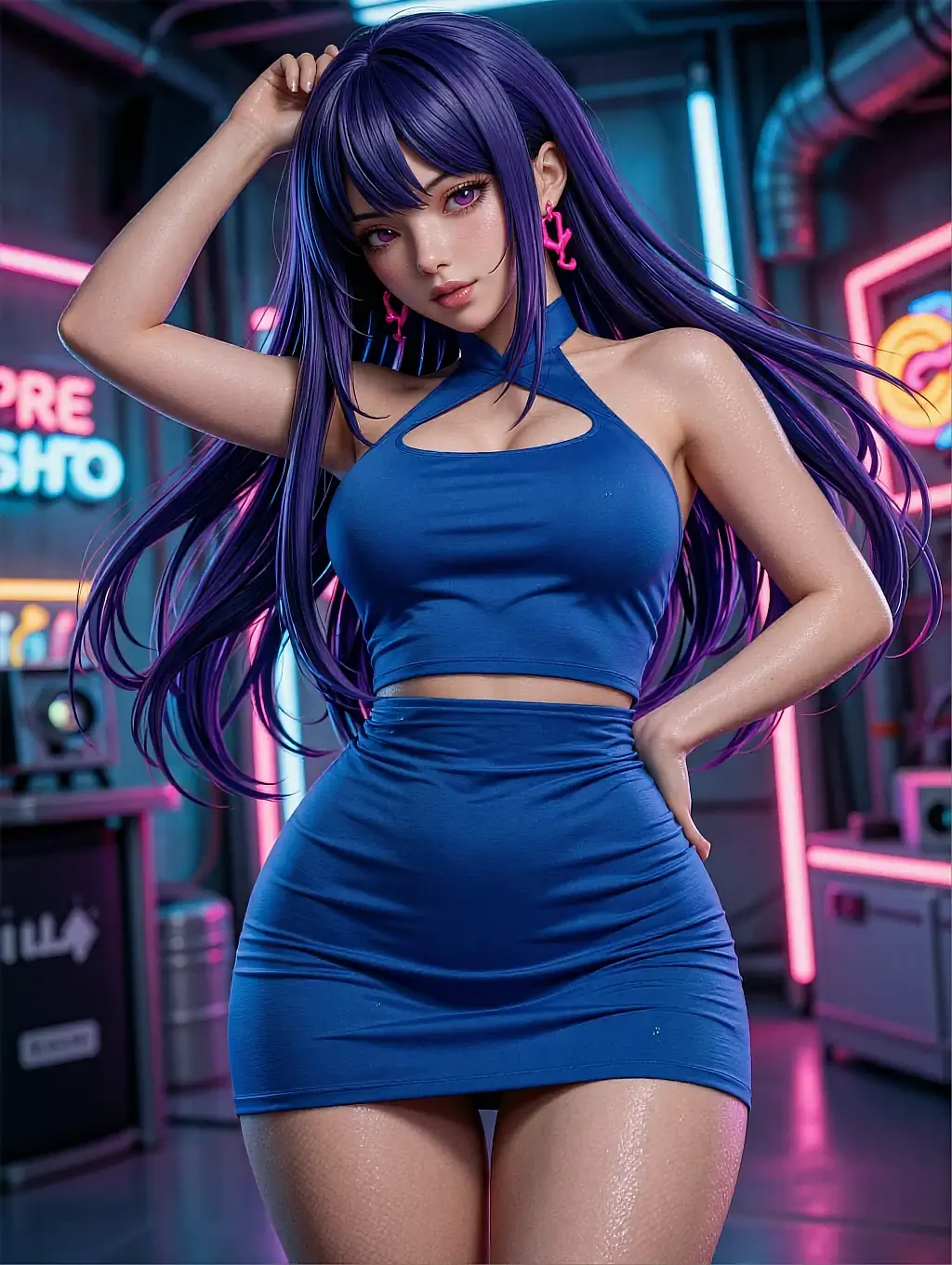
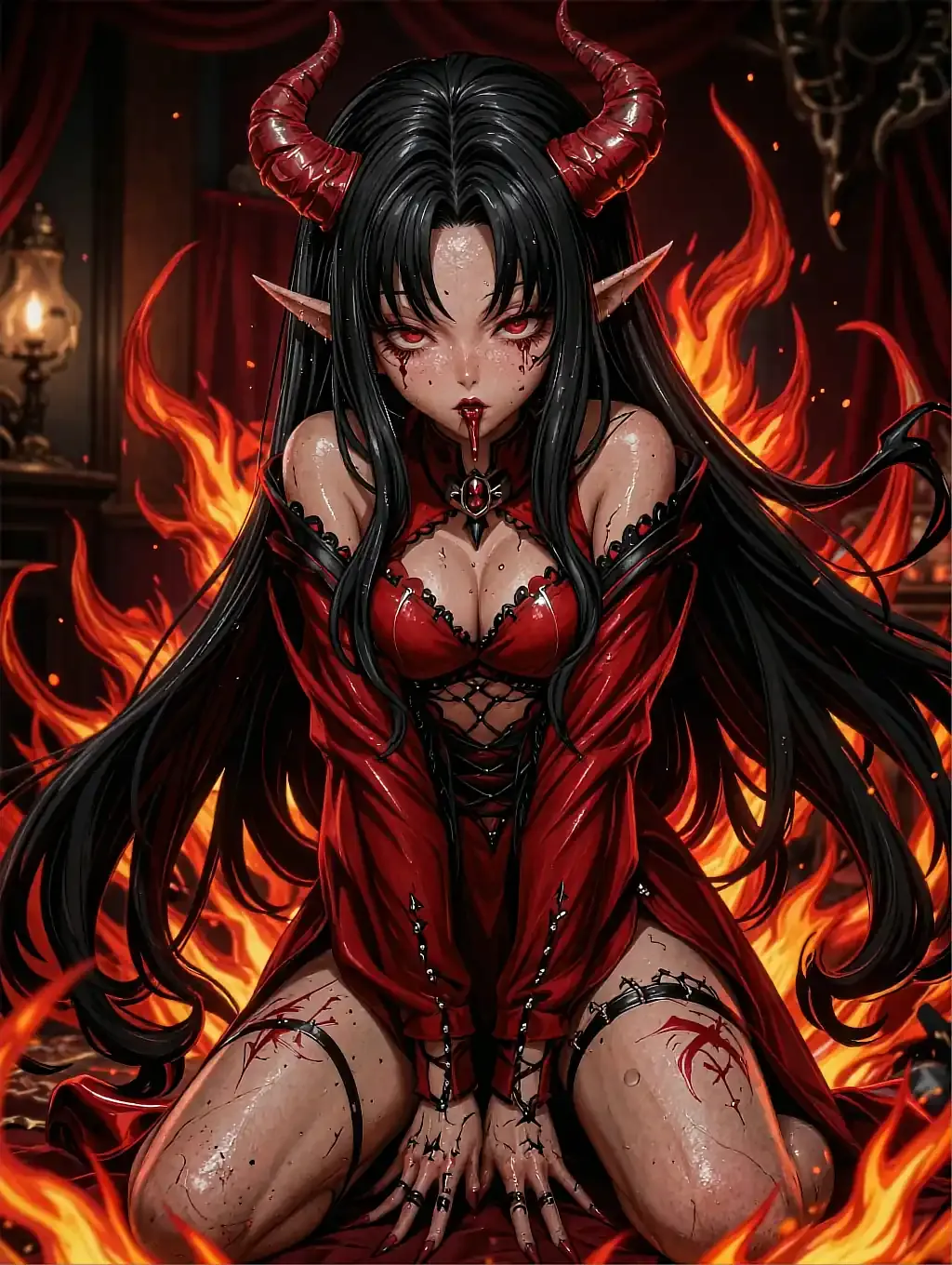
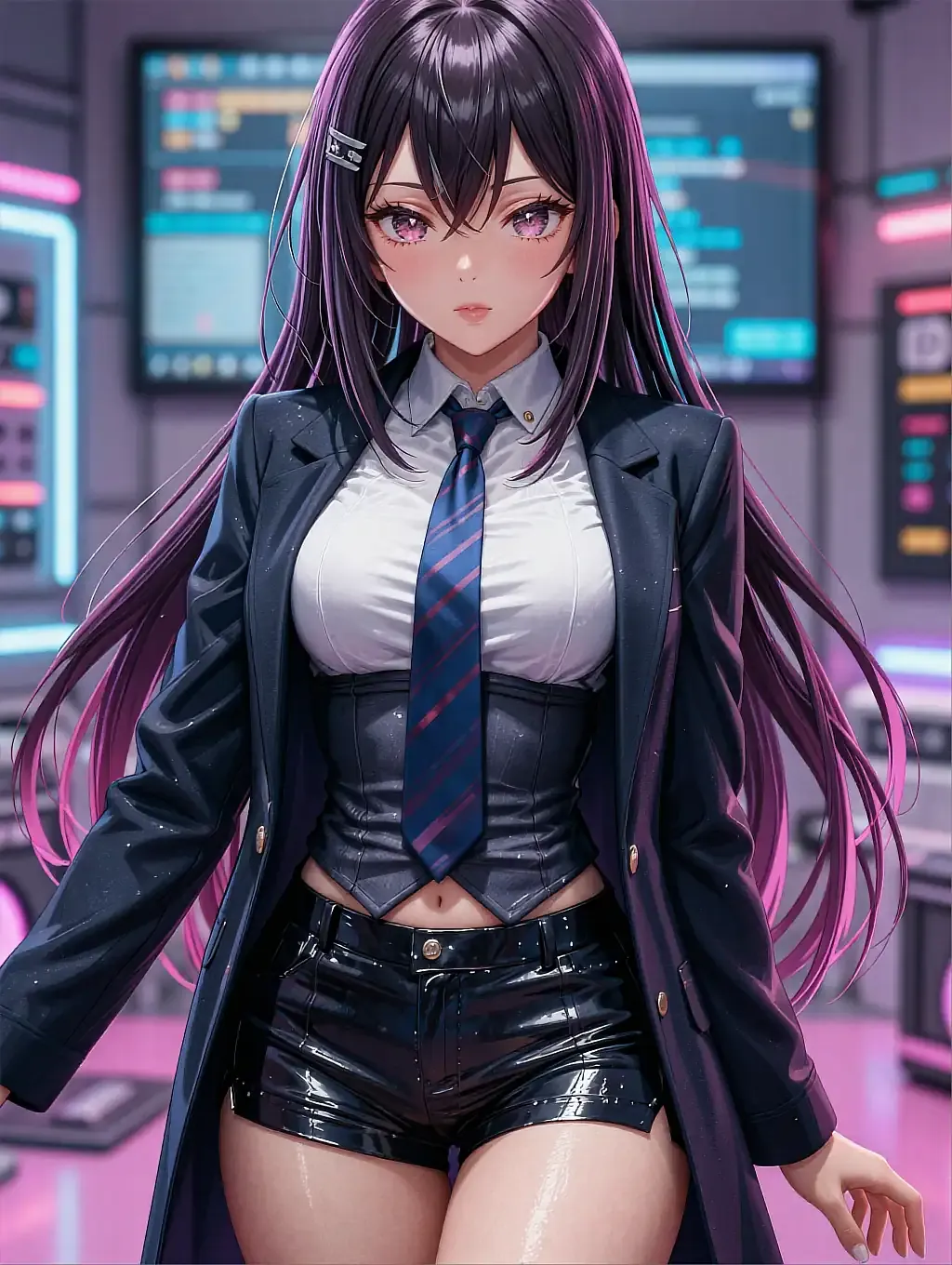
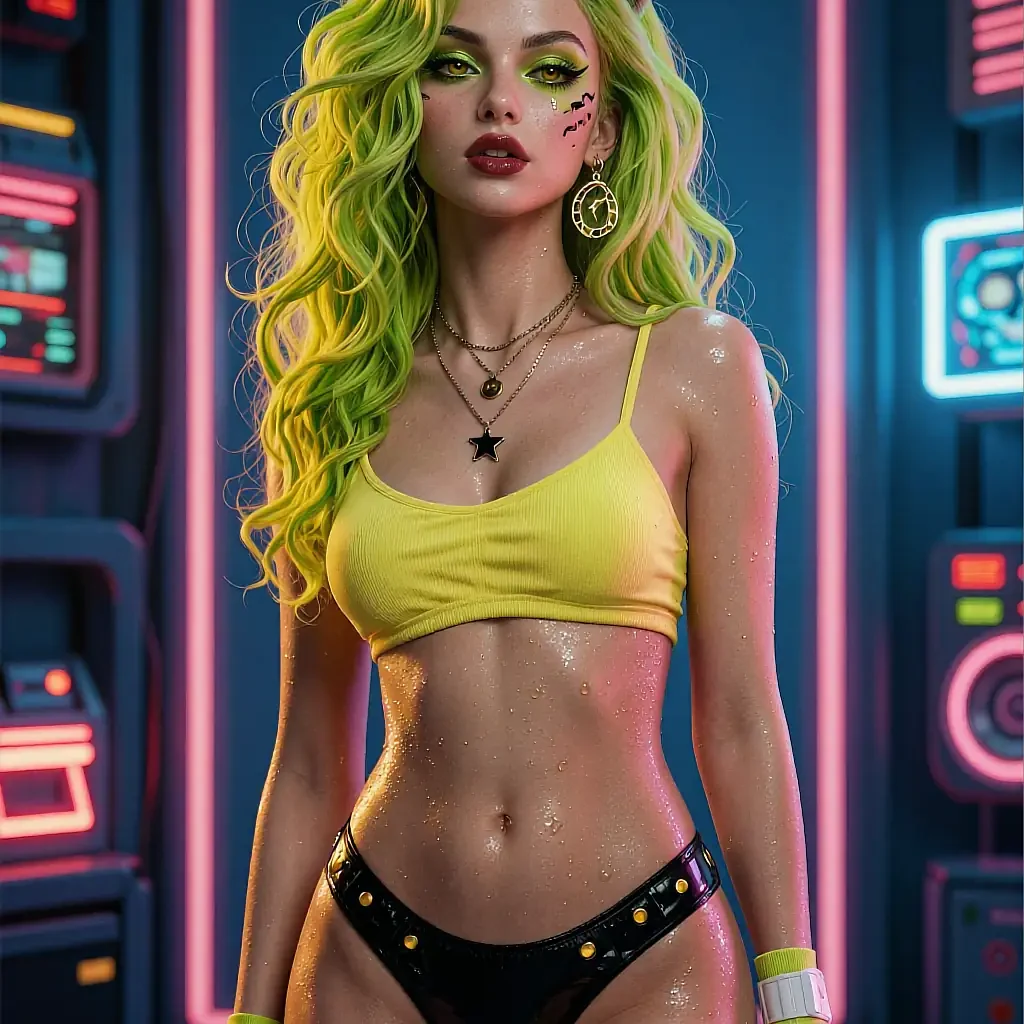
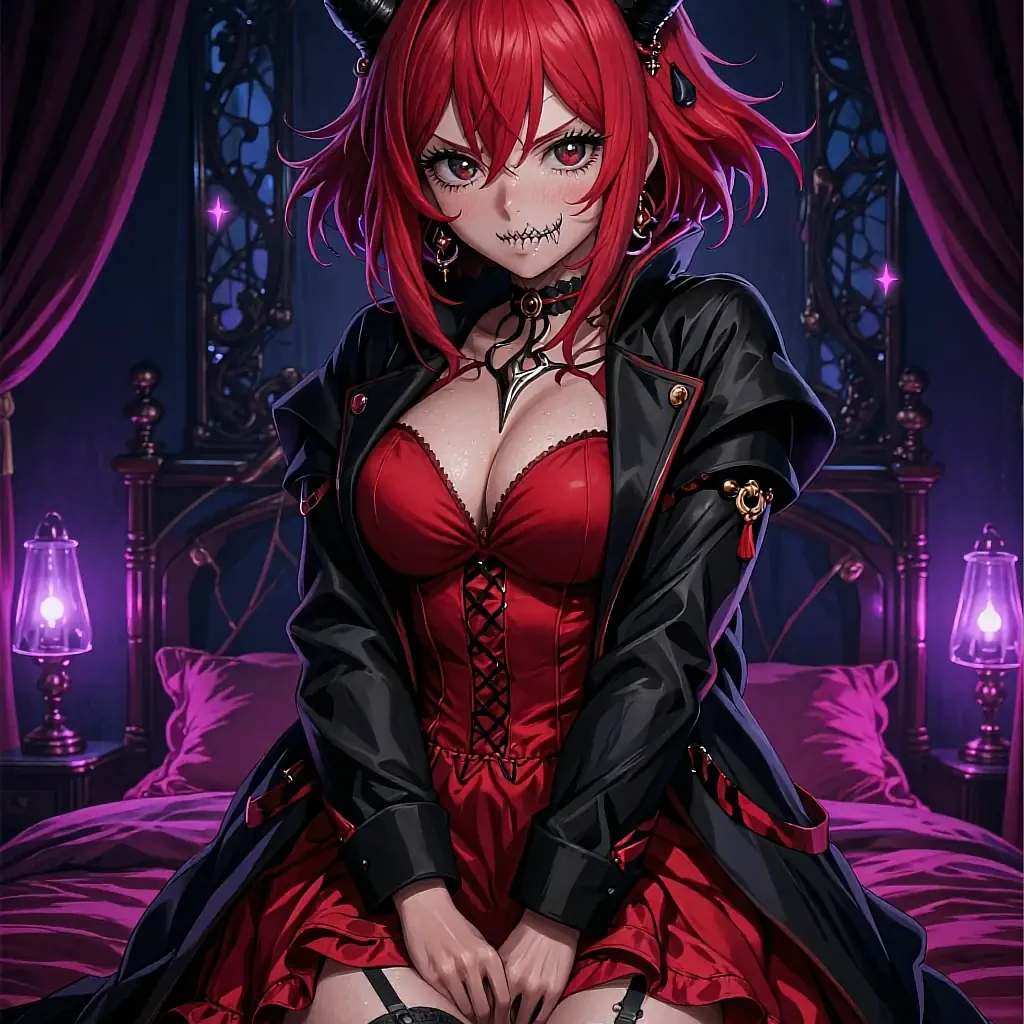
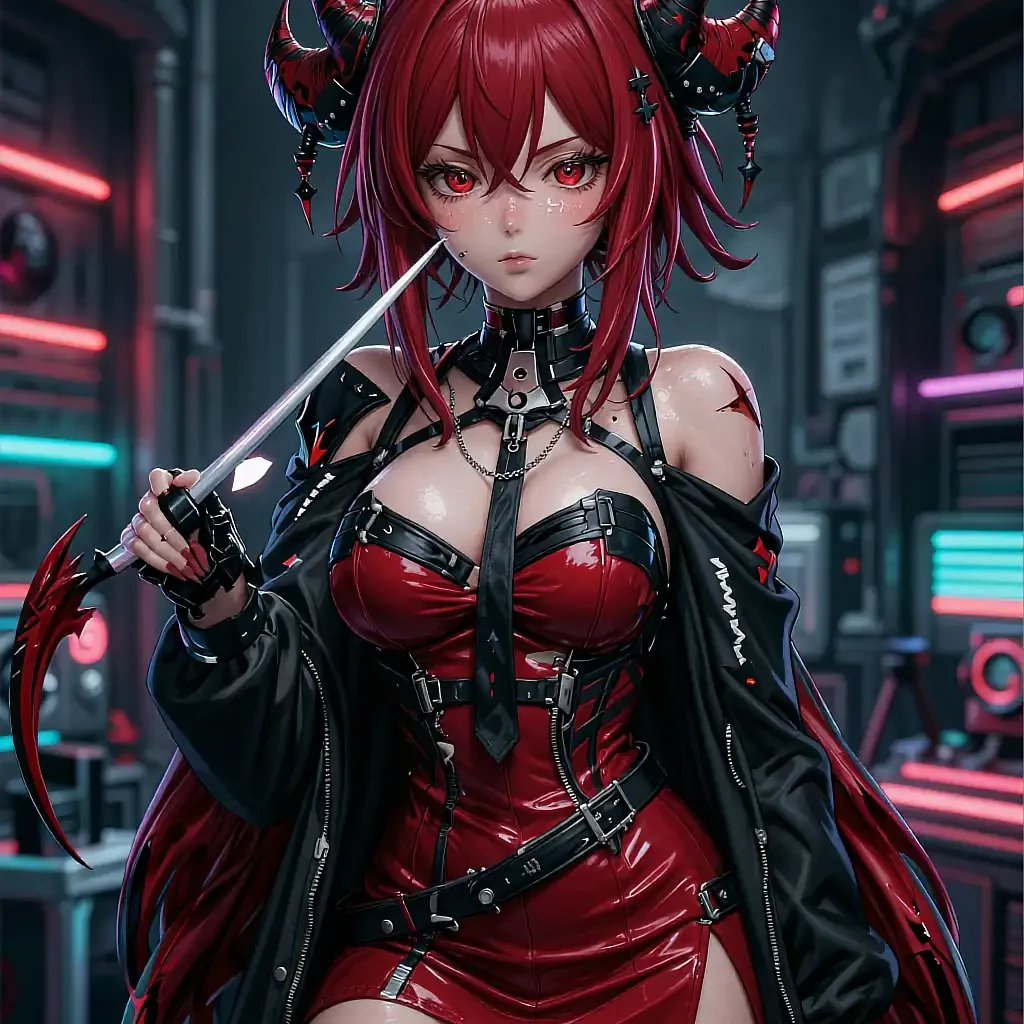
Different characters, different settings — the consistency is per-character, not per-page.
A nightclub scene, rendered in a cooler palette than the roster default.
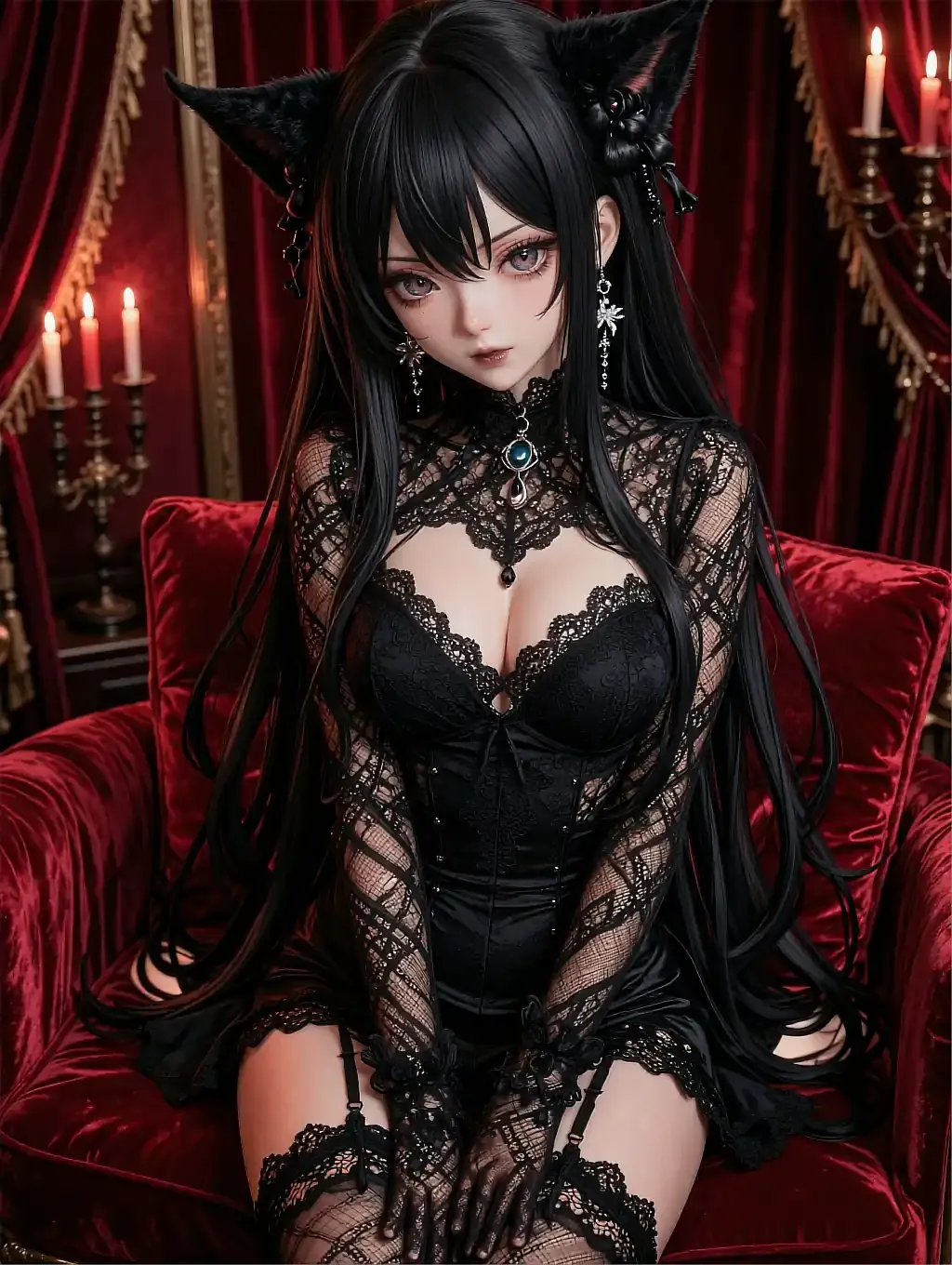
A gothic setting with a completely different silhouette and prop set.
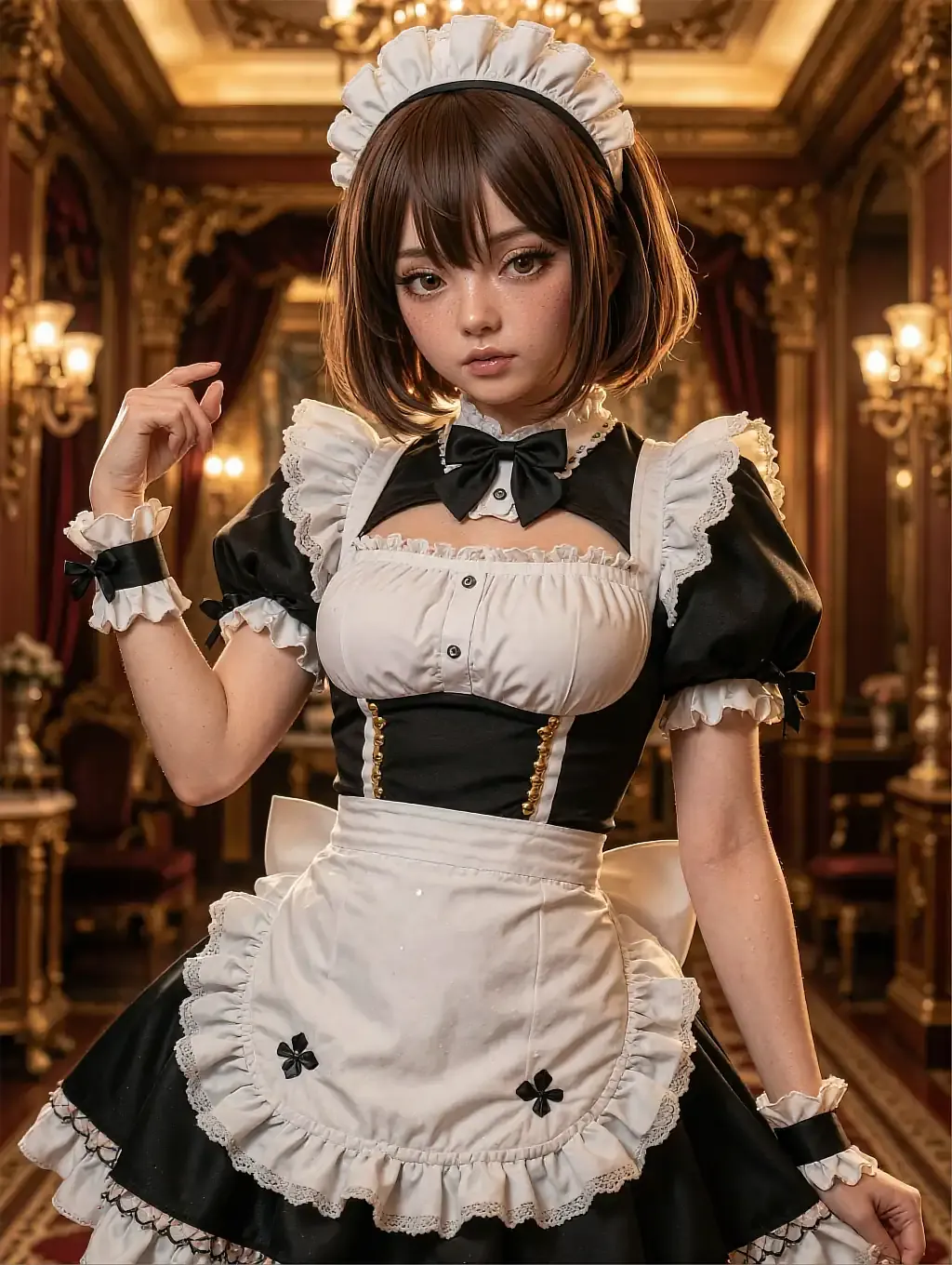
A softer, warmer costume style on a third character entirely.
04In practice
Choosing a face before you type anything
Most people who bounce off a generator did the hardest step first: they opened a blank prompt box with no character chosen and tried to describe a whole person from nothing. Starting from the roster instead means the hair, the build and the temperament are already decided, and the prompt only has to carry the scene.
From there it's a loop, not a one-shot: render, read the result, adjust one word, render again. The style dial exists so that adjustment doesn't require retyping the whole prompt — naming a different shading style is enough to see a visibly different take on the same character.
05Quick answers
AI hentai girlfriend — quick answers
01Do I have to write a detailed prompt to get a good render?
02Can I keep the same character across different renders?
03Is there a limit to how many I can generate?
04What happens to the images I generate?
06Keep reading
Four more pages on hentai girlfriend AI art
Each one answers a different question the others don't.
07Start now
Pick a face and open the canvas
Twelve characters, one style dial, a free first render. No card, no install, nothing public.