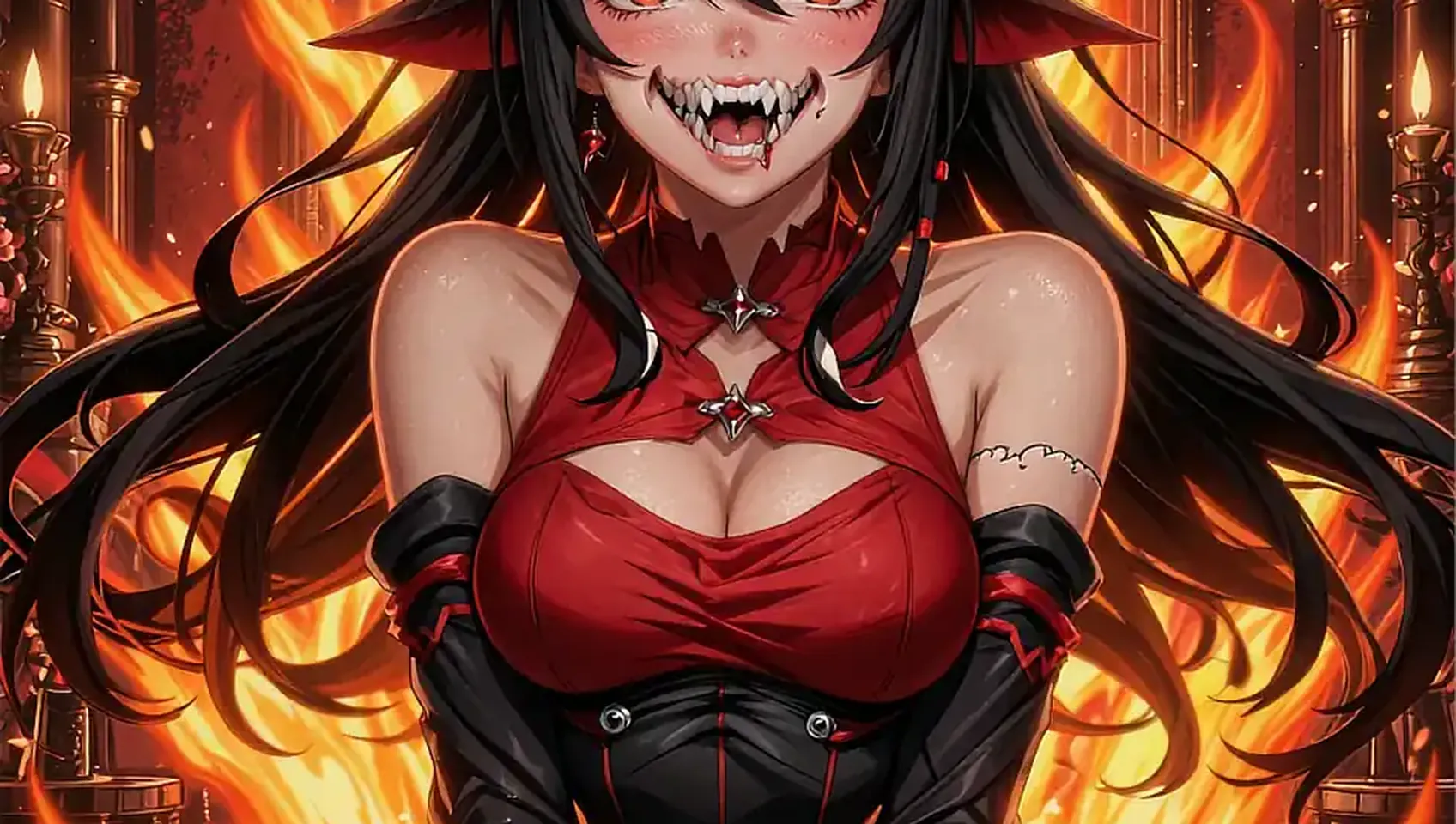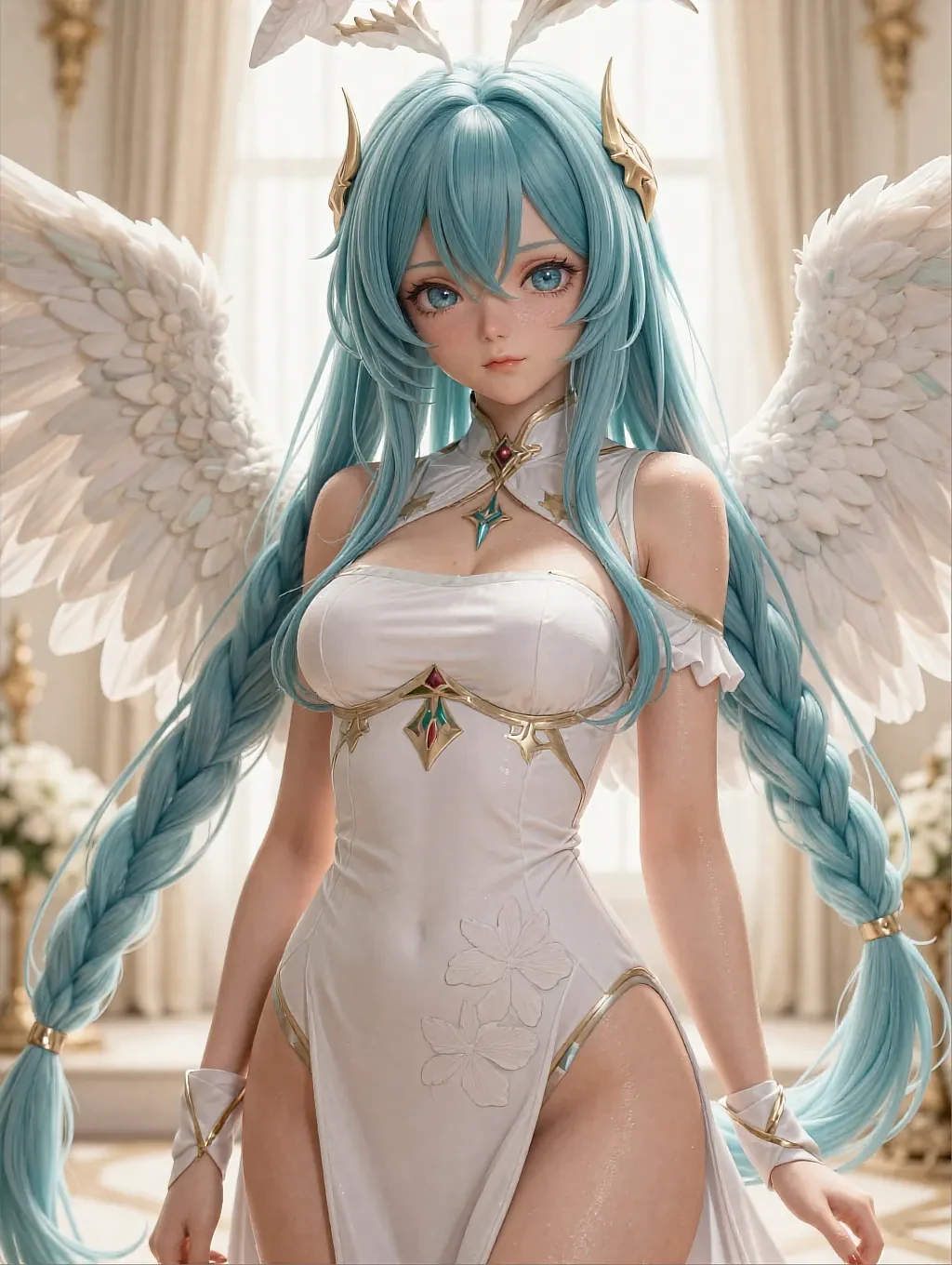
01Hentai companion AI · 18+
A hentai companion AI who looks the same character every time.
Pick her once and she stays the reference point for the whole session — the twentieth render still reads as the same person as the first.

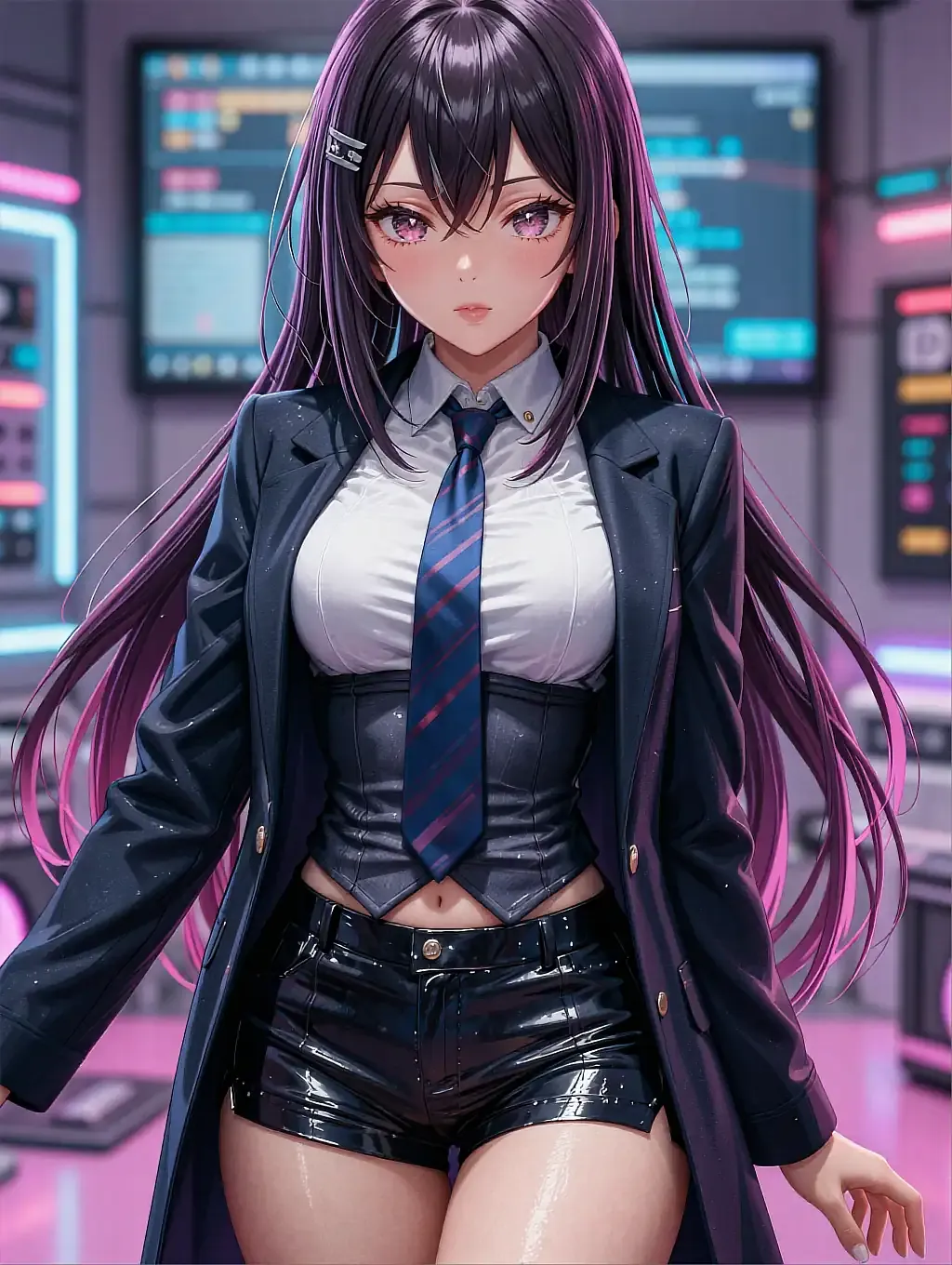
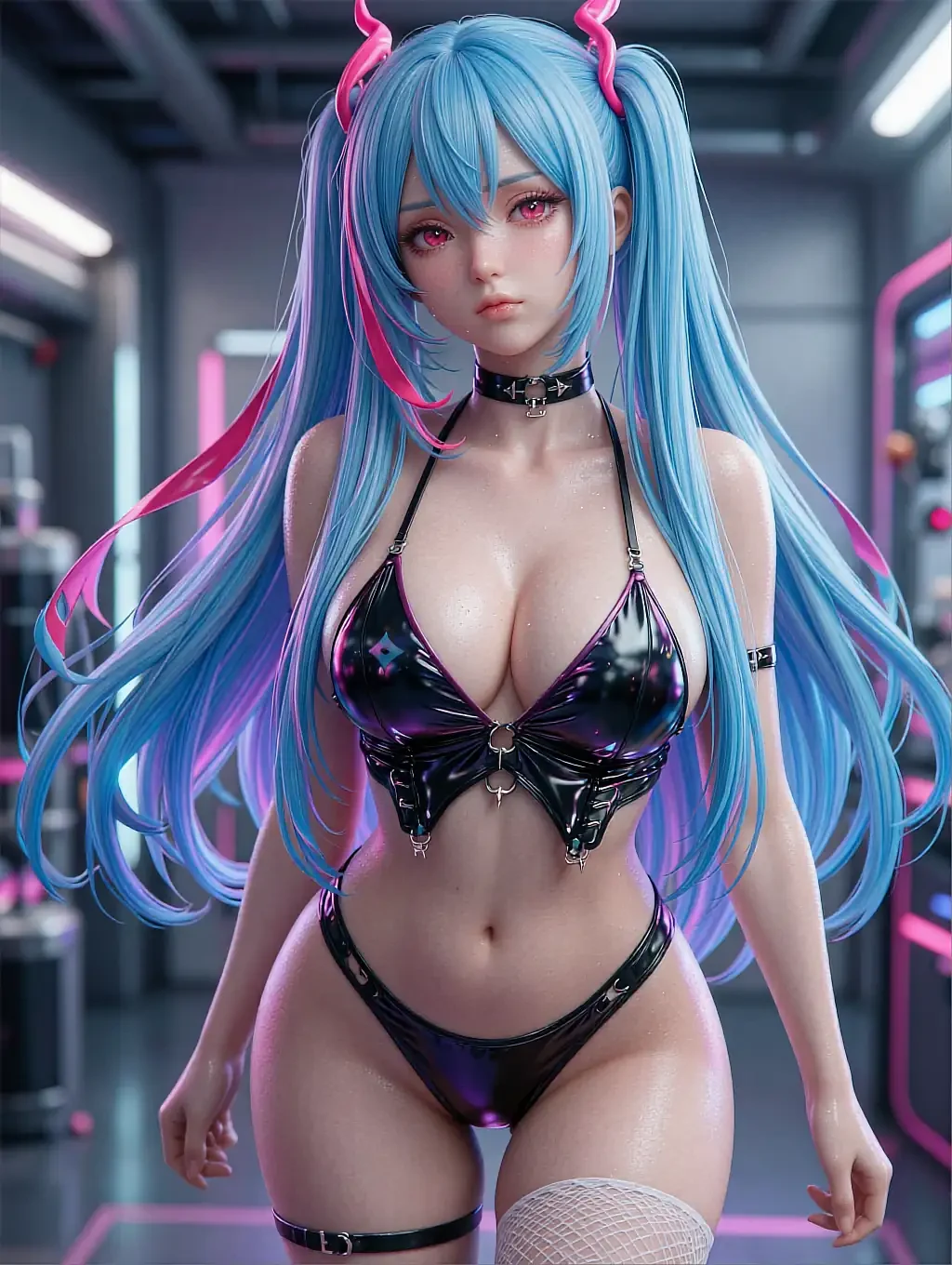
Fictional AI-illustrated characters only. Nobody here is a real person.

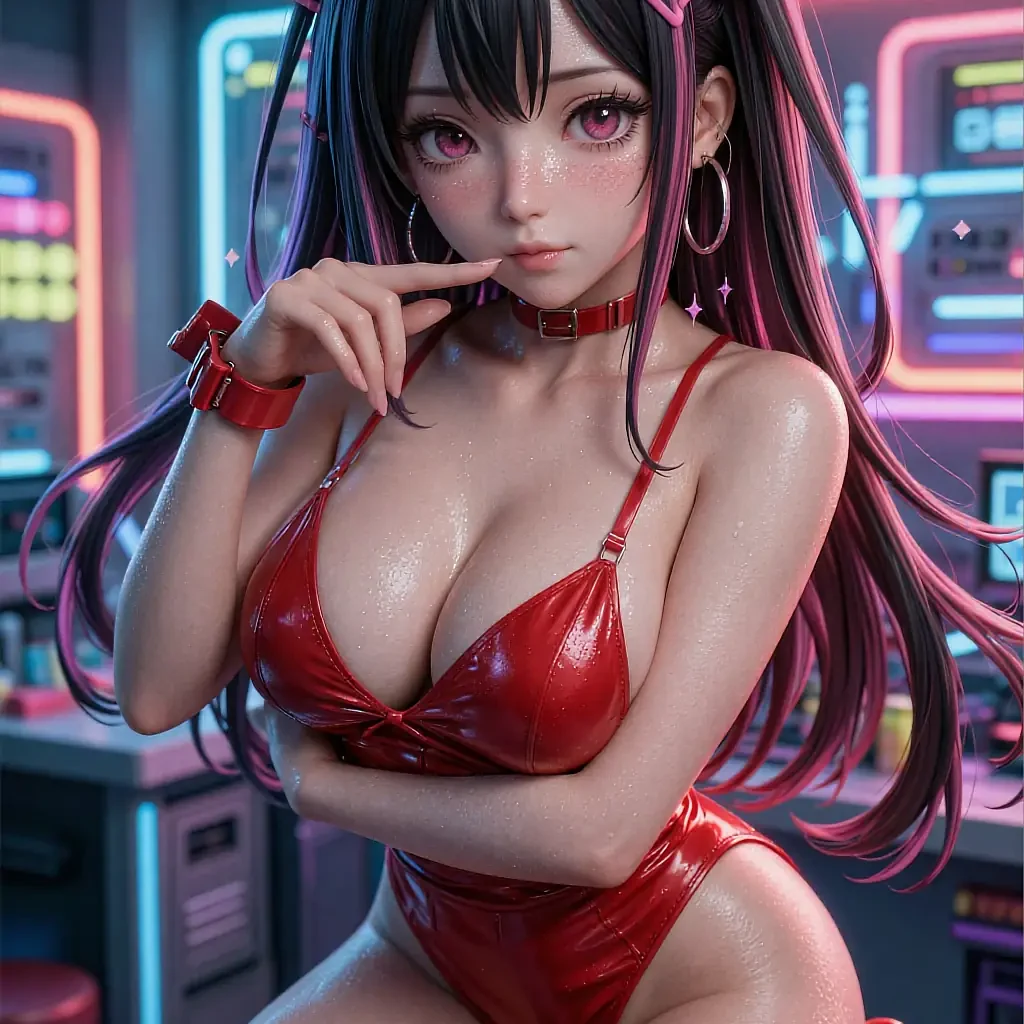
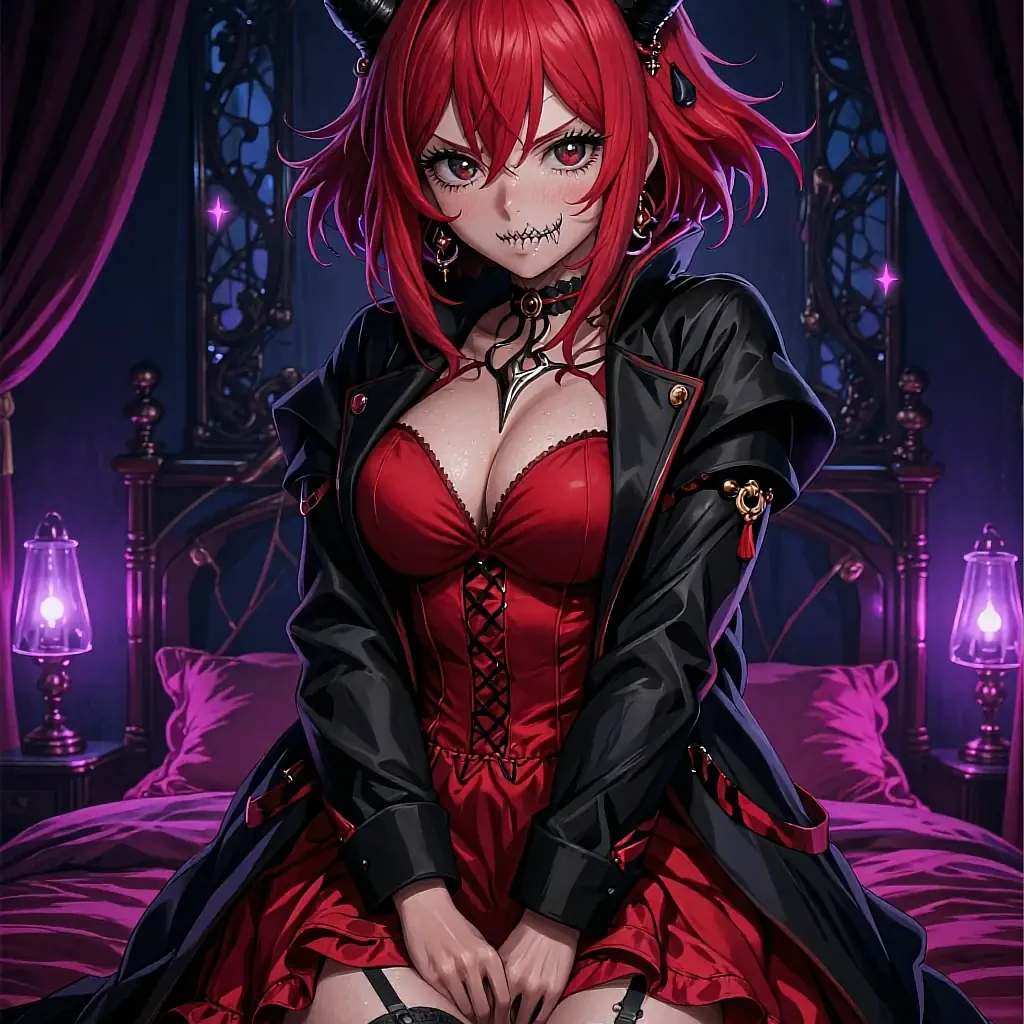
- Stays consistent
- Session memory
- Free to open
- 18+
02The detail
What actually keeps a companion's face consistent
A generator with no memory redraws a stranger every time. A companion keeps a reference the whole session works from.
A hentai companion ai is built around a single anchor: the character you picked stays the reference the generator works from, render after render, instead of reinterpreting a description from zero each time. That is the actual difference between "a new picture" and "the same character in a new scene."
The practical benefit shows up over a longer session. Open the canvas, generate a handful of renders, close the tab, come back later — the character and the style you'd settled on are still there, so the eleventh render doesn't restart the guesswork the first one already solved.
It's not unlimited: a session anchor keeps the face and build consistent, but it still improvises the scene from whatever the prompt says. Naming the setting and the mood each time is still the reader's job; the generator's job is just to stop reinventing the person doing it.
What works well
- The picked character anchors every render in the session
- Coming back later resumes on the same character and style
- Twelve written personalities to choose an anchor from
- Runs in a browser tab, nothing installed
- Free to open a canvas and generate the first renders
Worth knowing first
- The scene and pose still need to be specified per render
- Every character is illustrated fiction, not a real person
- Switching characters mid-session resets the visual anchor
- Some export options sit behind an optional upgrade
03On this page
One character, several sittings
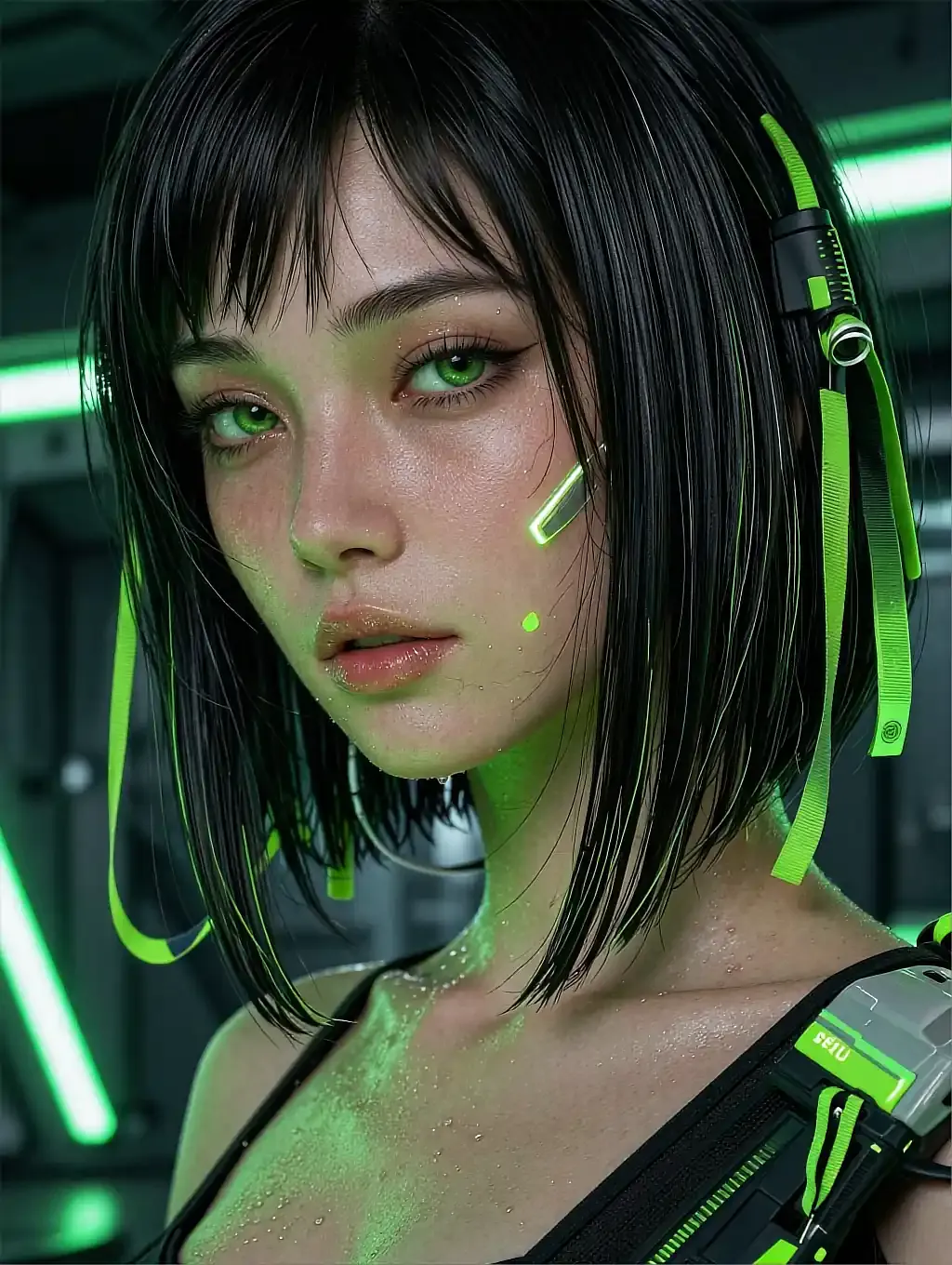
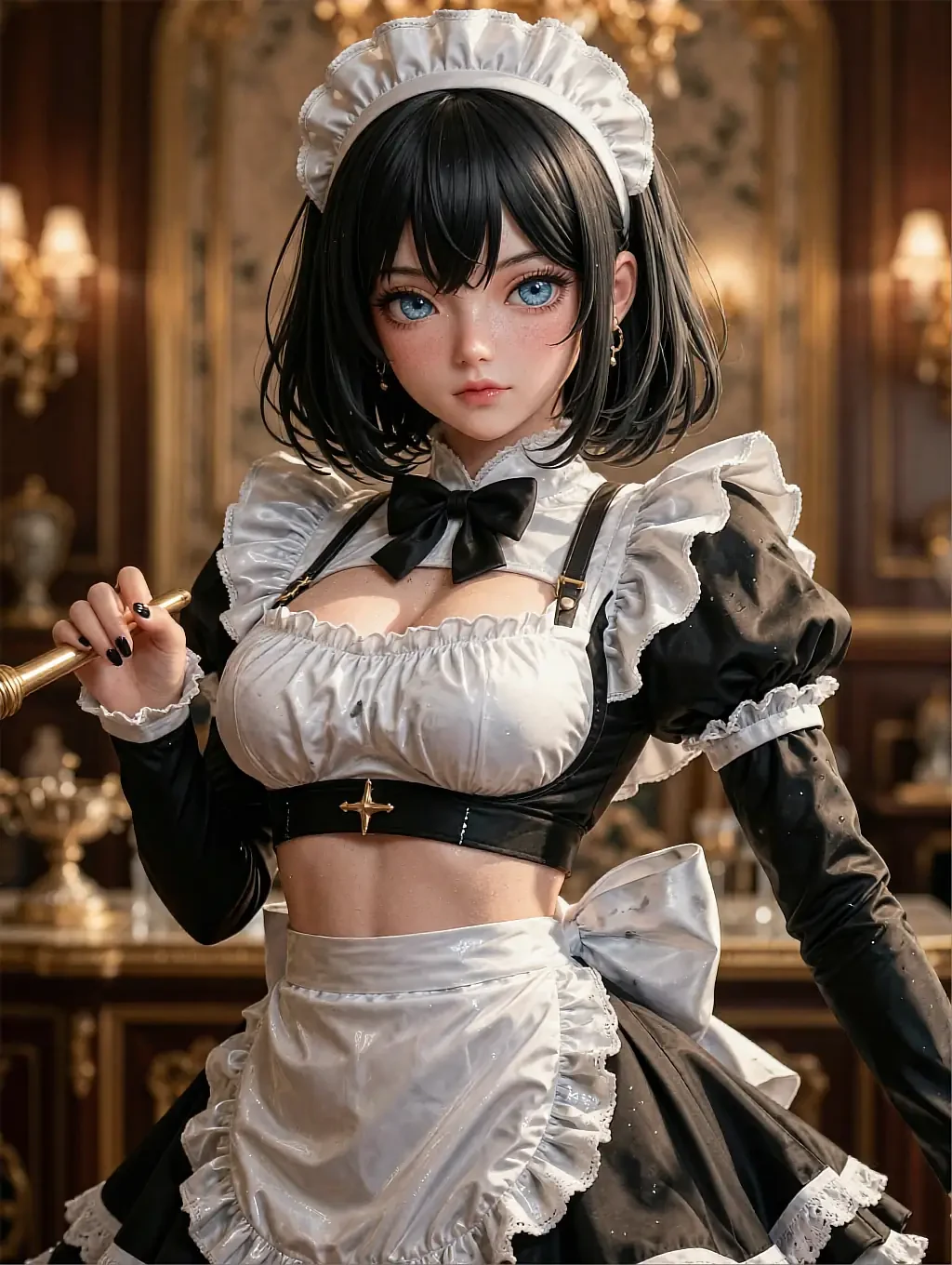
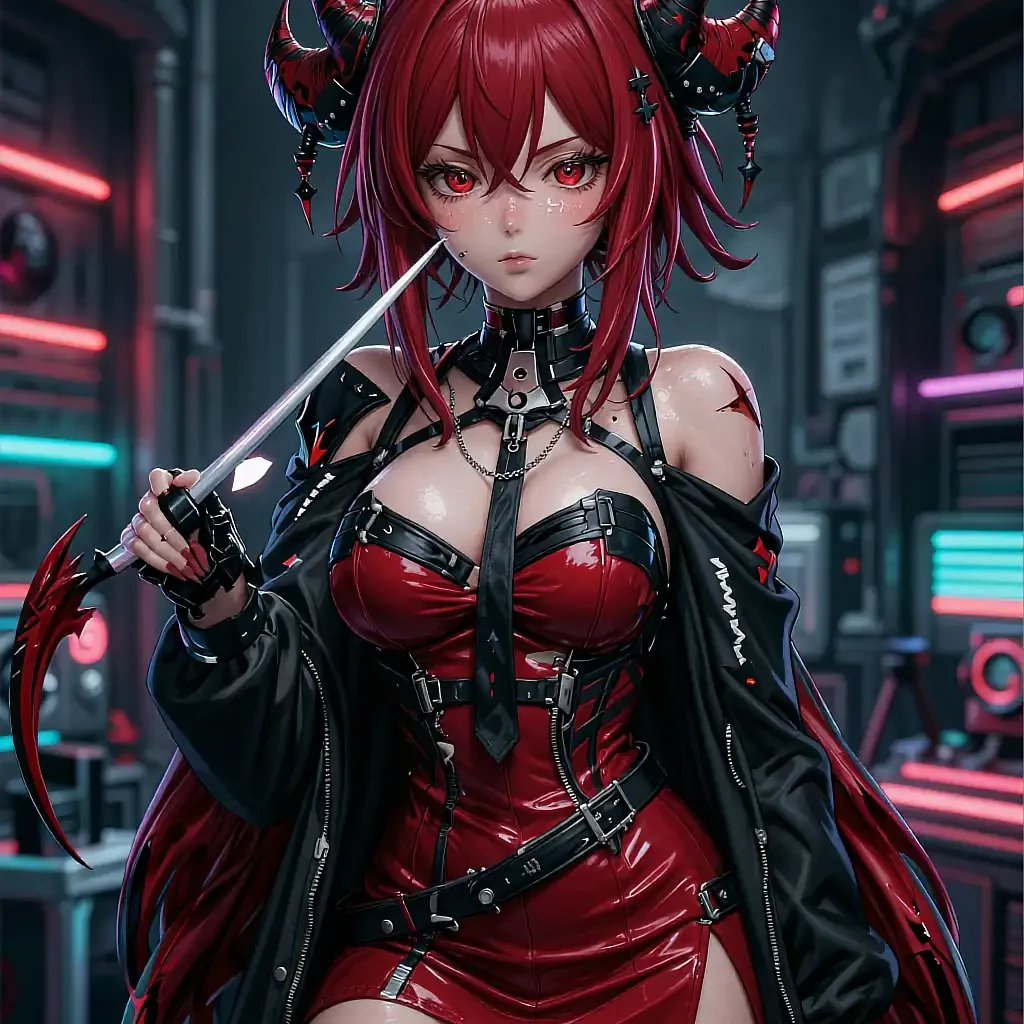
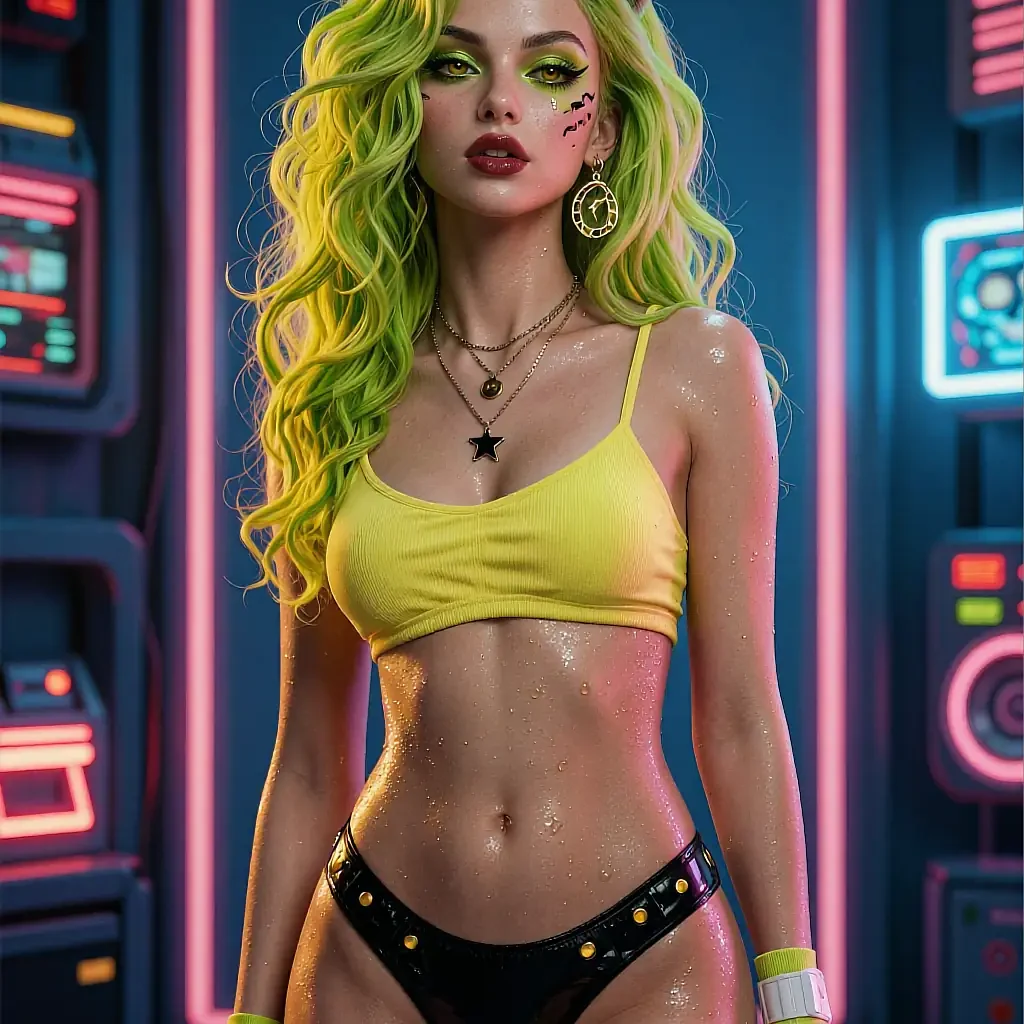
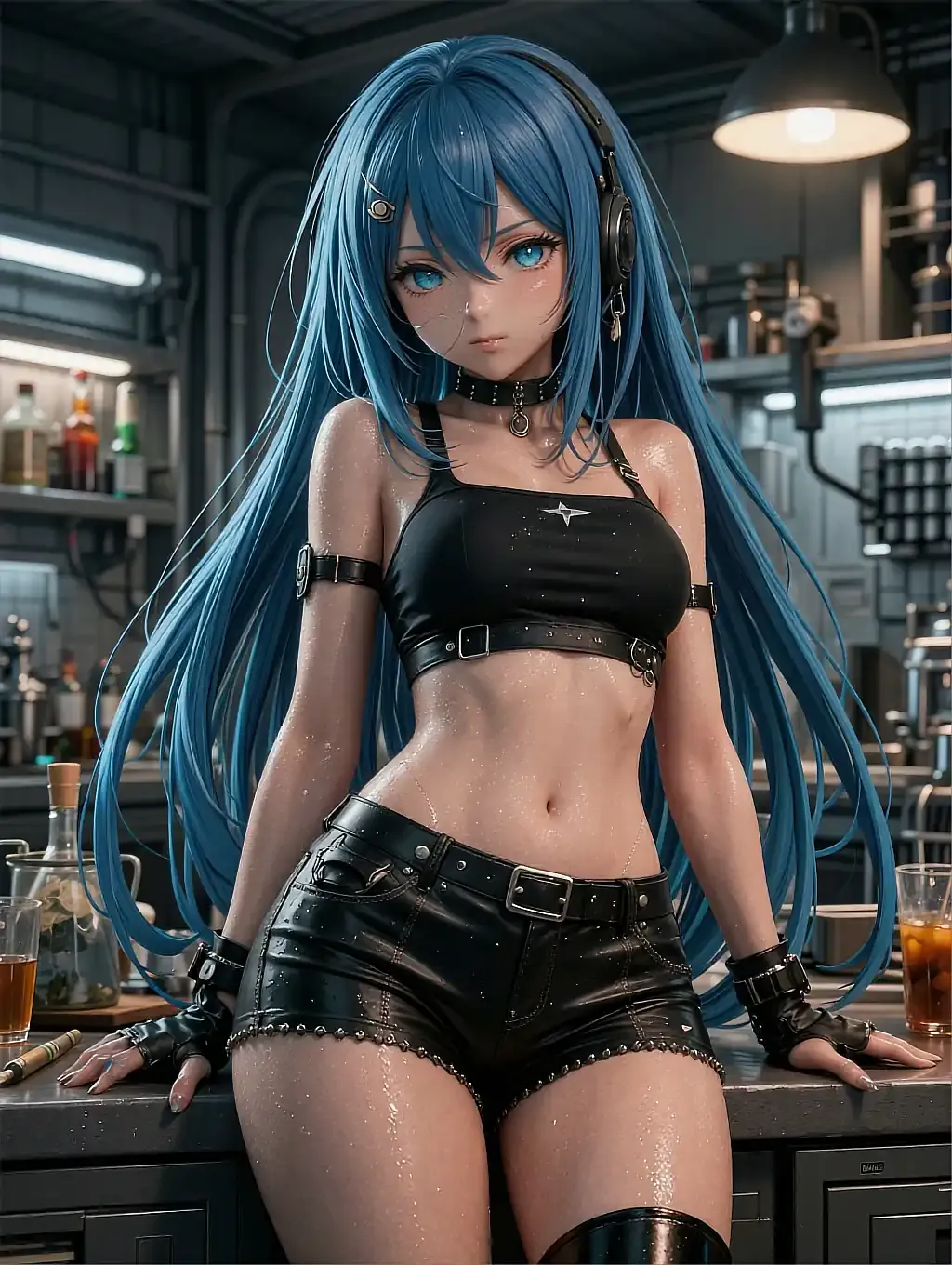
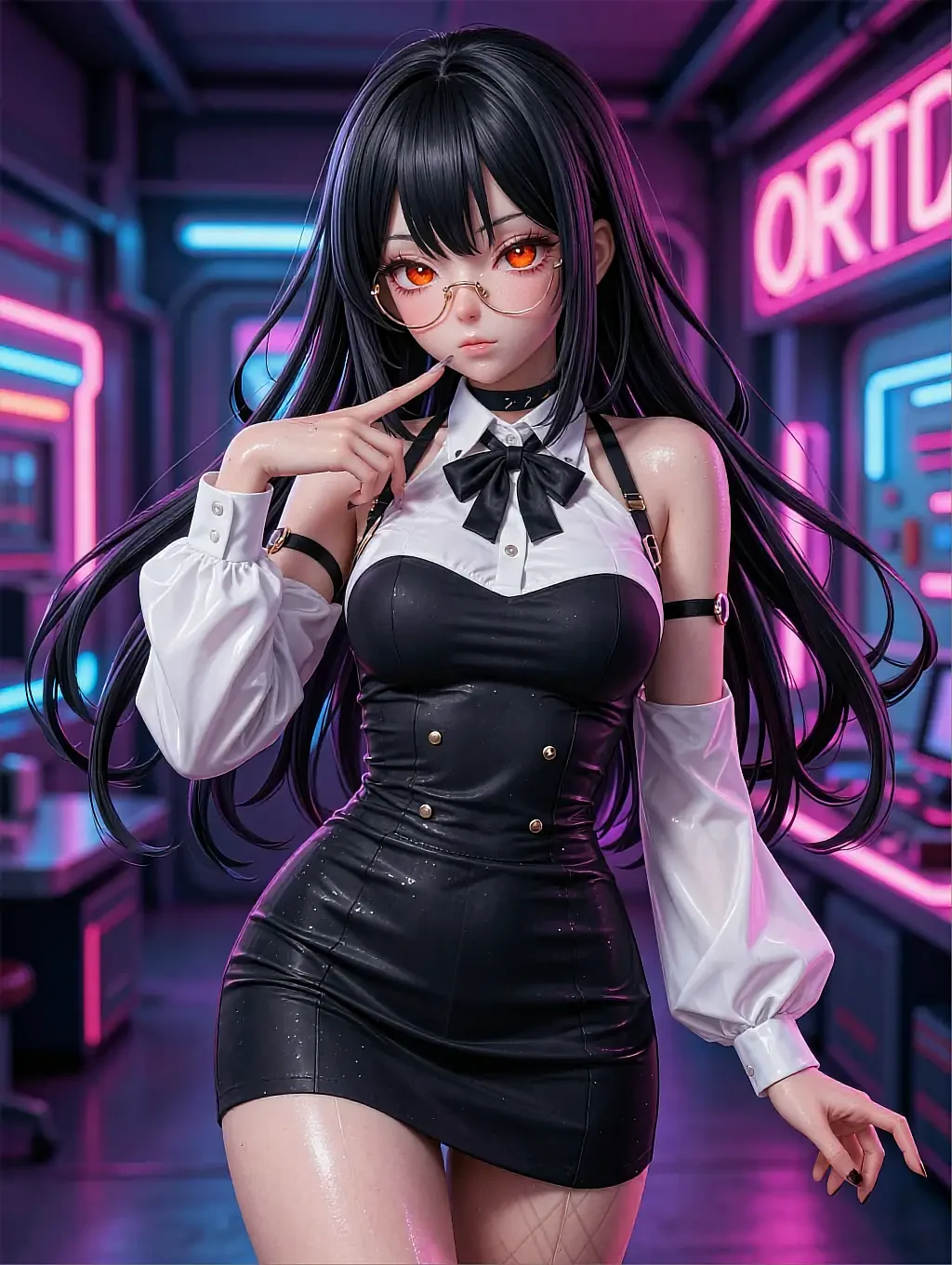
Different scenes shown across this gallery — the point each time is how recognisable the character stays, not the backdrop.
An industrial, low-light scene with headphones and casual gear.
A cleaner, office-adjacent look on the same generator.
A near-identical follow-up render confirming the anchor held.
04In practice
Returning to a session without starting over
Closing the tab mid-session and coming back doesn't mean re-describing a character from memory. The pick you made — face, age, personality — is still there, along with whichever style you'd settled on, so the next render can go straight to a new scene instead of re-establishing who's in it.
That's also what makes a longer run of renders feel like one character's gallery rather than twelve strangers who happen to share a folder — the anchor is doing the work a real memory would do in a chat-based companion, just applied to what gets drawn instead of what gets said.
05Quick answers
Hentai companion AI — quick answers
01Does the character actually stay the same across renders?
02What happens if I come back the next day?
03Can I switch to a different character mid-session?
04Is a returning session free too?
06Keep reading
Four more pages on hentai girlfriend AI art
Each one answers a different question the others don't.
07Start now
Pick her once, keep rendering
One anchor character, unlimited scenes to try. Free to open, no card, no install.