01Hentai AI art · 18+
Hentai AI art, rendered in the style you actually ask for.
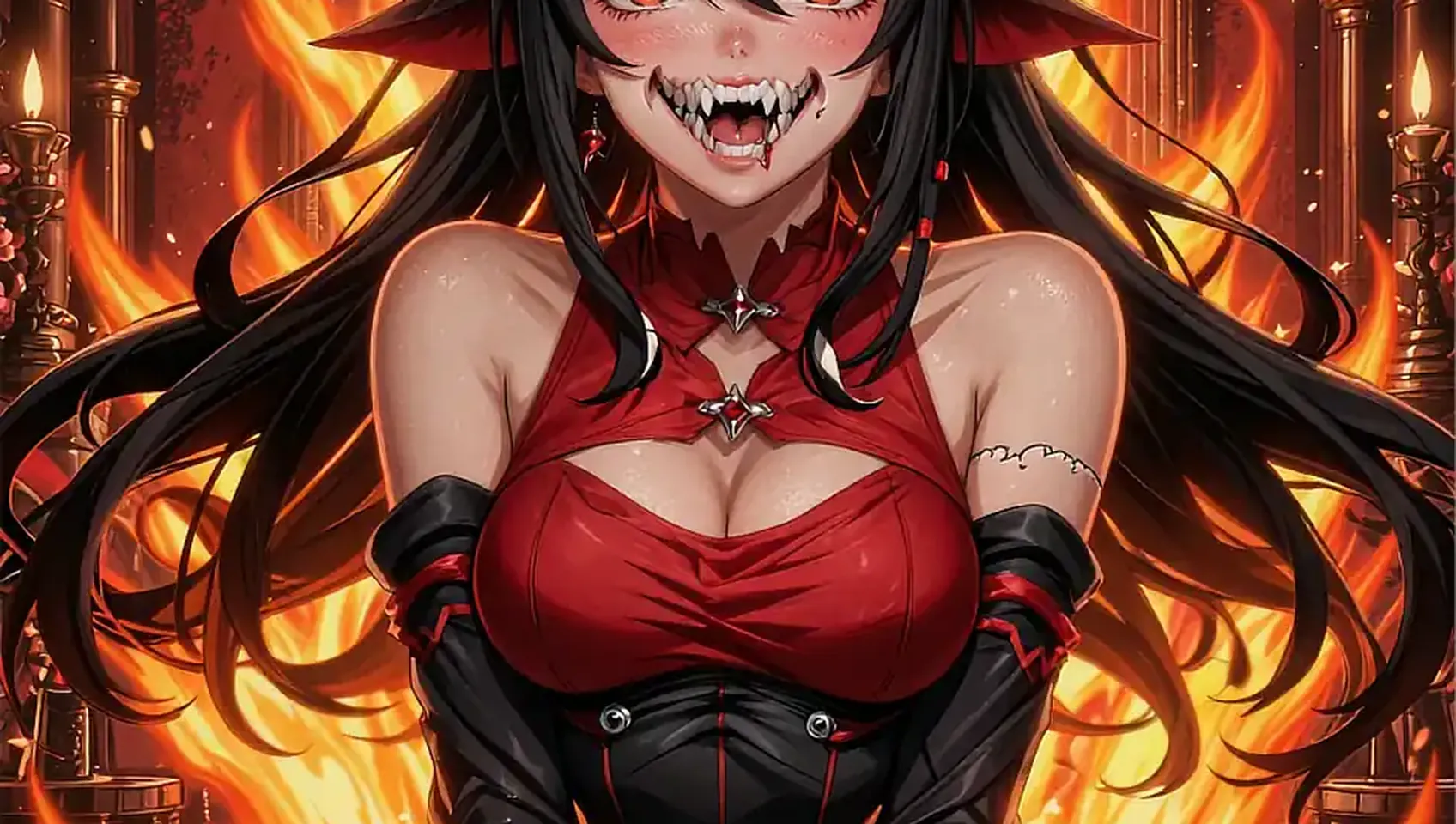
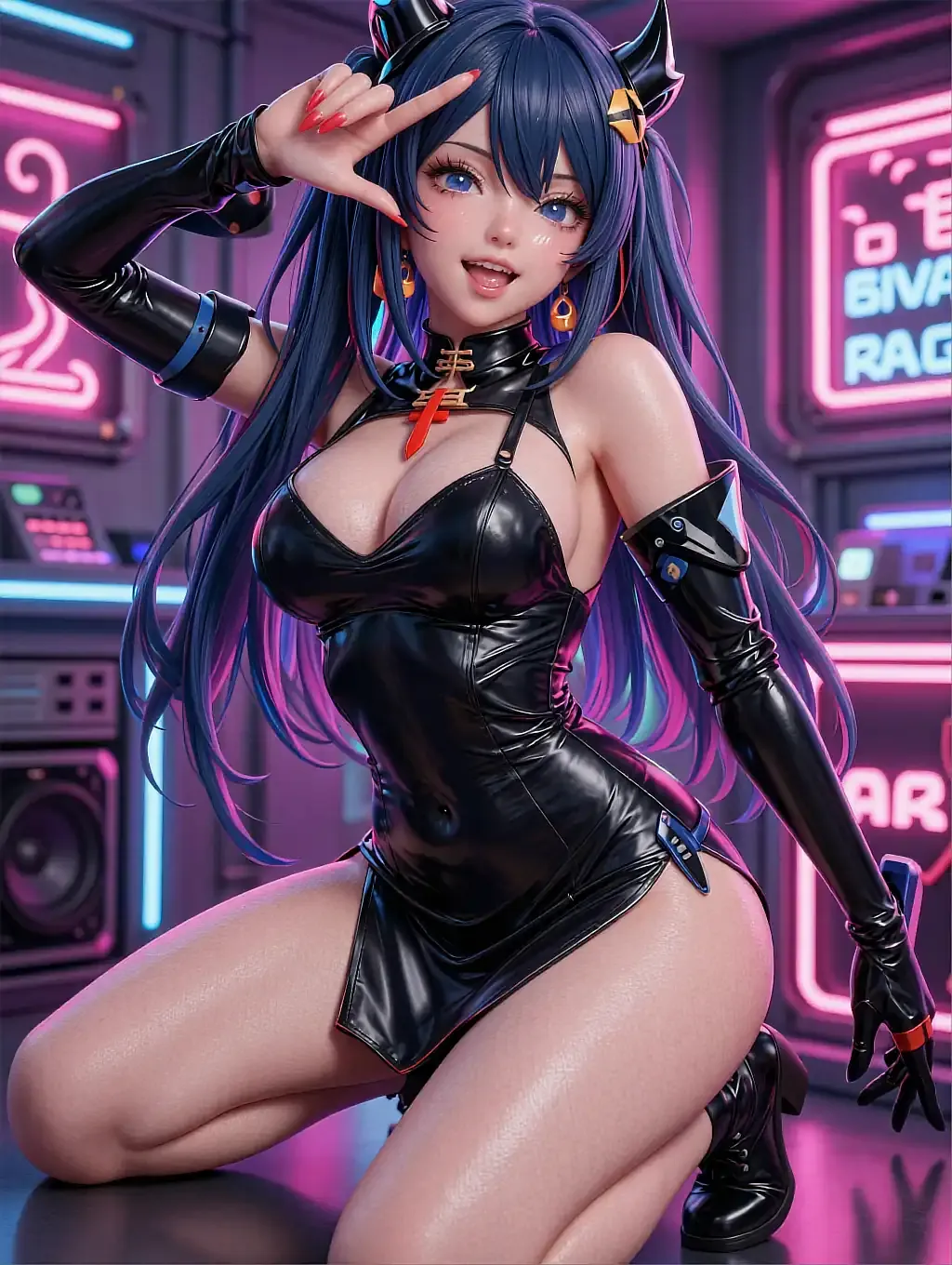
Cel-shaded, painterly or soft pastel — the style dial changes the linework mid-session, on a character who keeps the same face across every render.
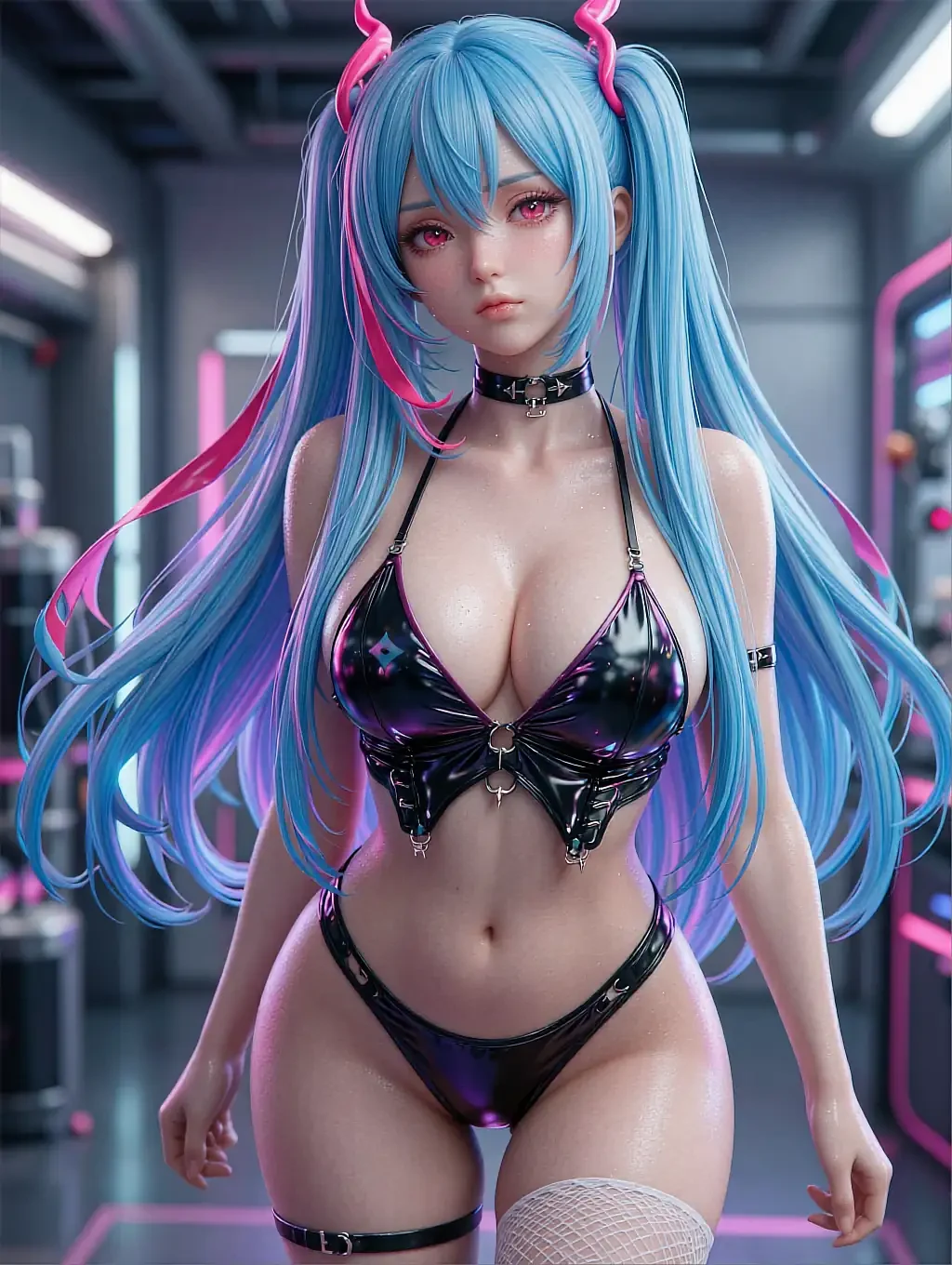
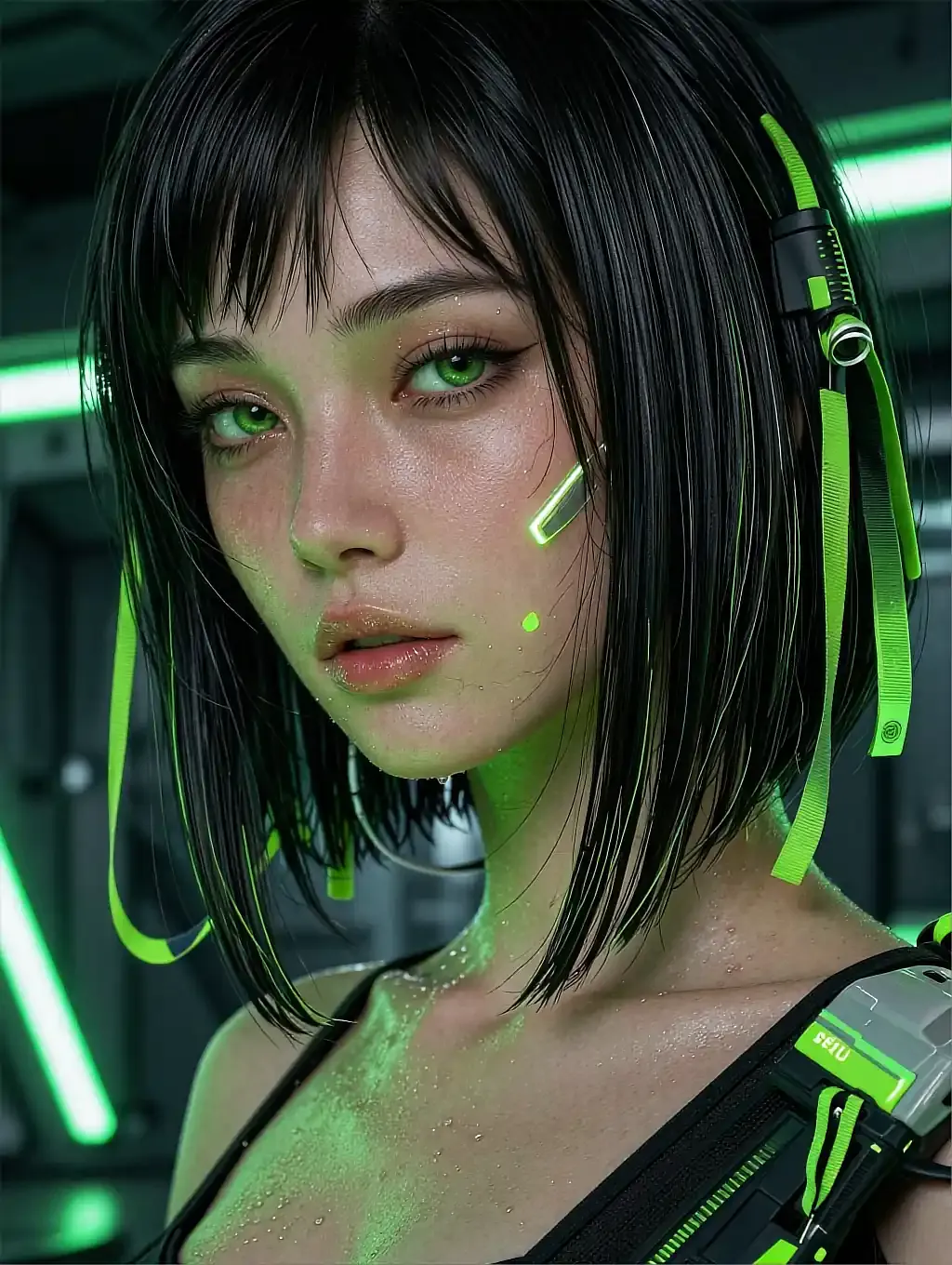
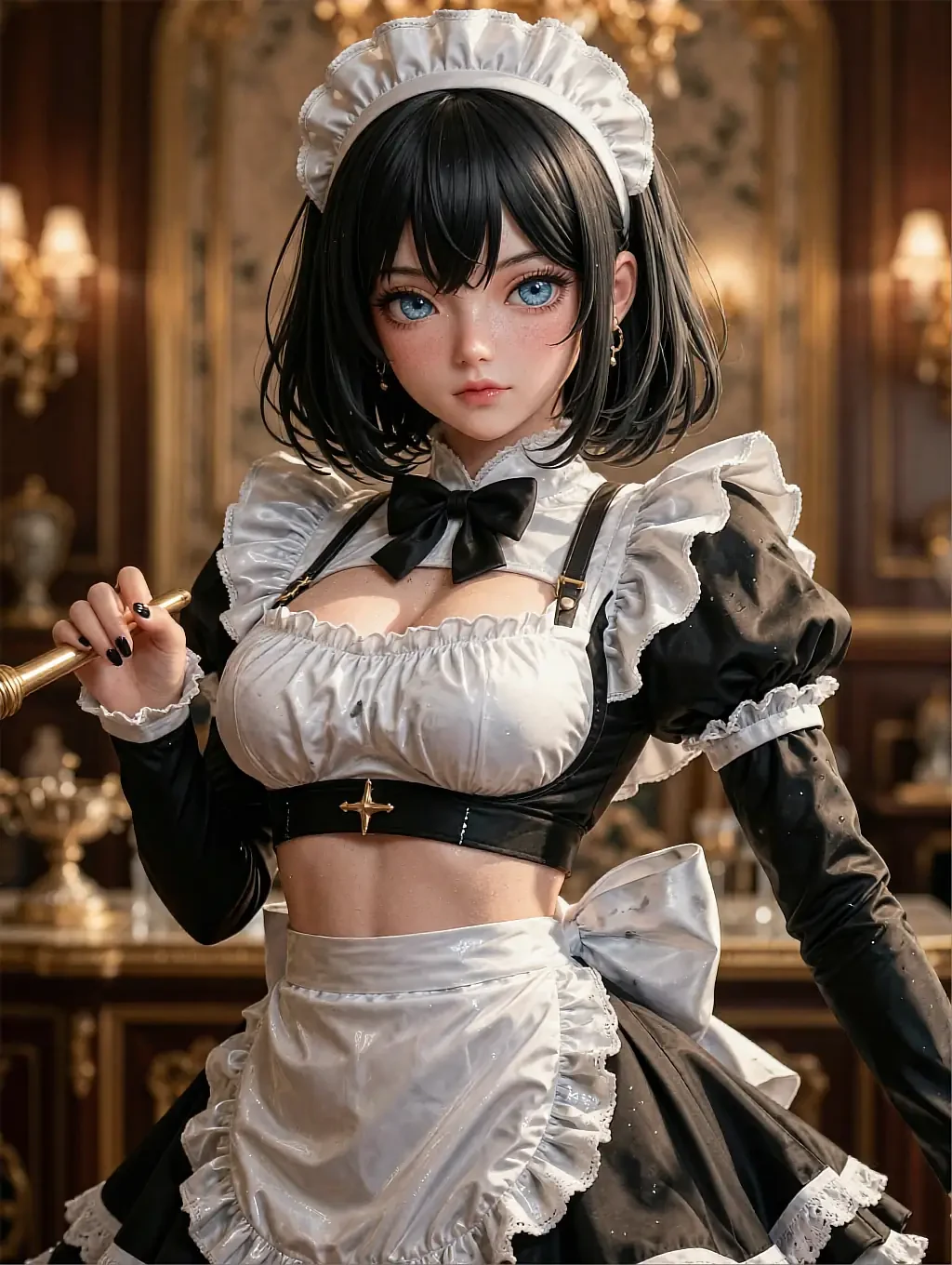
Fictional AI-illustrated characters only. Nobody here is a real person.
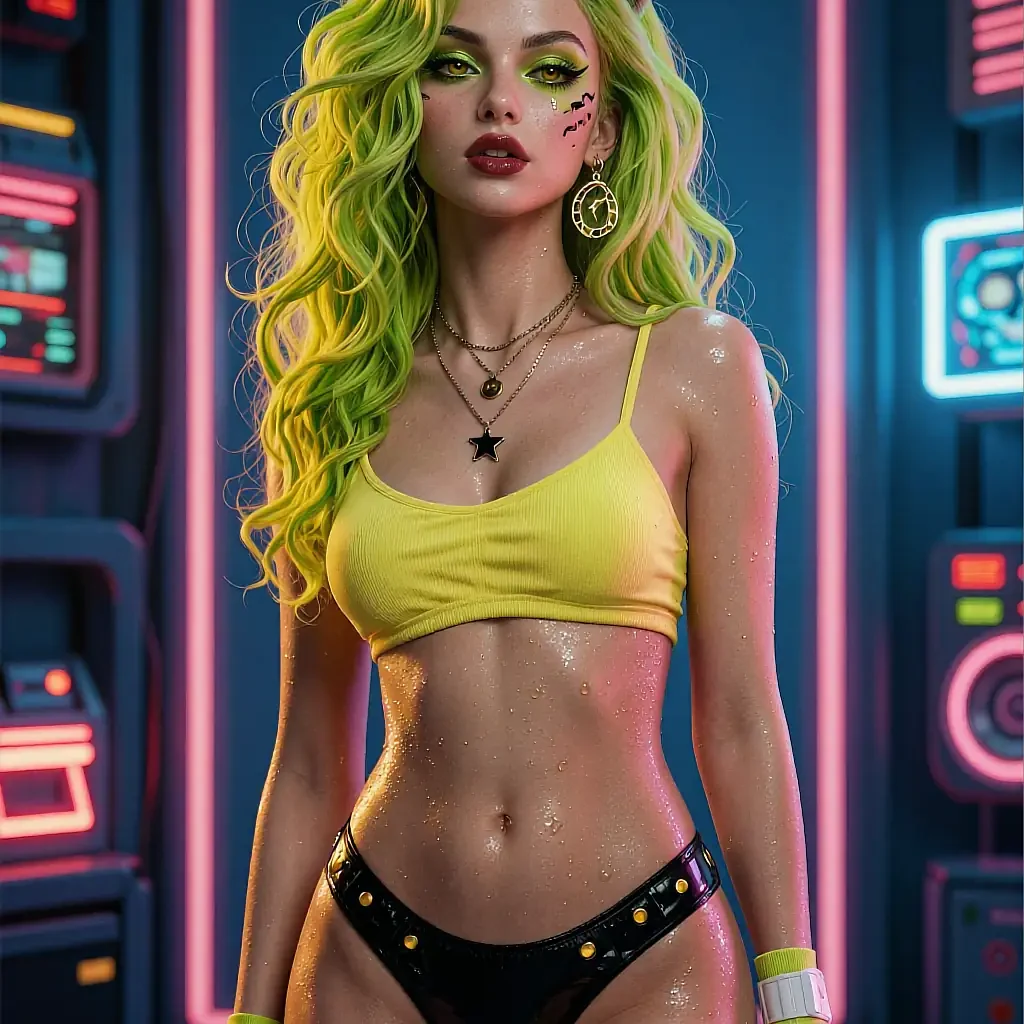
- Style dial
- Consistent face
- Free to open
- 18+
02The detail
What actually changes the art style
The scene and the style are two separate instructions, and most flat renders come from only ever giving the first one.
Naming a subject gets you a picture; naming a style gets you a look. Hentai ai art generators respond to shading and linework vocabulary the same way they respond to a pose or a setting — "cel-shaded" pulls flatter colour and harder outlines, "painterly" softens the edges and adds visible brush texture, and a pastel request cools the palette without touching the pose at all.
The trade-off is that style words compete with scene words for the generator's attention. A prompt that piles on five style adjectives and five scene details usually renders a compromise of both rather than a clean version of either — which is the actual reason two people describe the "same" result so differently.
The fix is sequencing, not more words: settle the character and the scene first, confirm it reads the way you want, then adjust only the style wording on the next render. Two changes at once make it hard to tell which one moved the result.
What works well
- Style changes apply mid-session, not on a fresh canvas
- Cel-shaded, painterly and pastel read as genuinely different looks
- The character's face stays fixed while the style around her changes
- A rough style test costs one render, not a new upload
- Free to try the style dial before committing to an upgrade
Worth knowing first
- Stacking too many style words in one prompt blurs the result
- Every character is illustrated fiction, not a real person
- Very fine linework detail can still slip on a first try
- Full-resolution export sits behind an optional upgrade
03On this page
The same dial, three different results
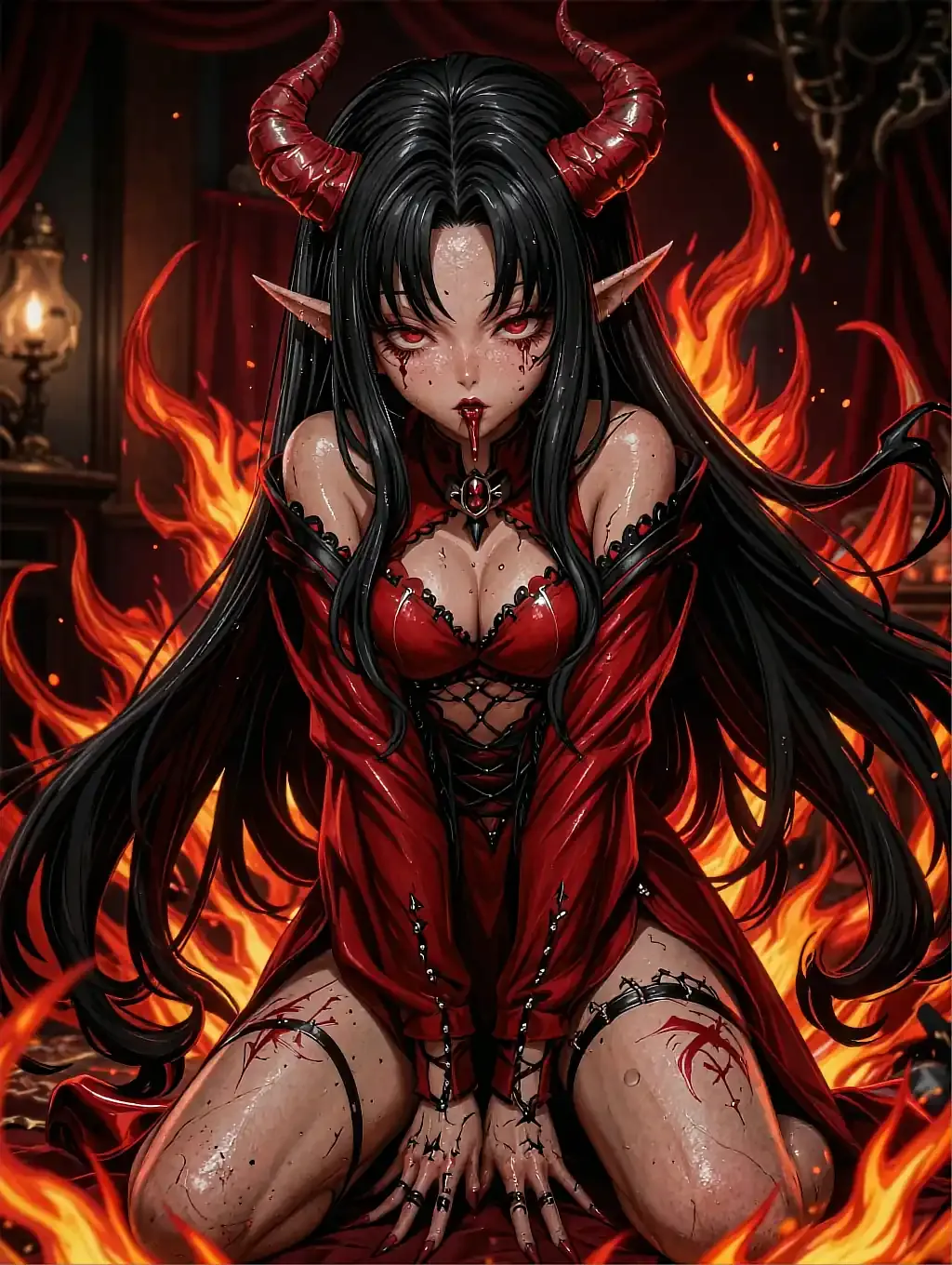
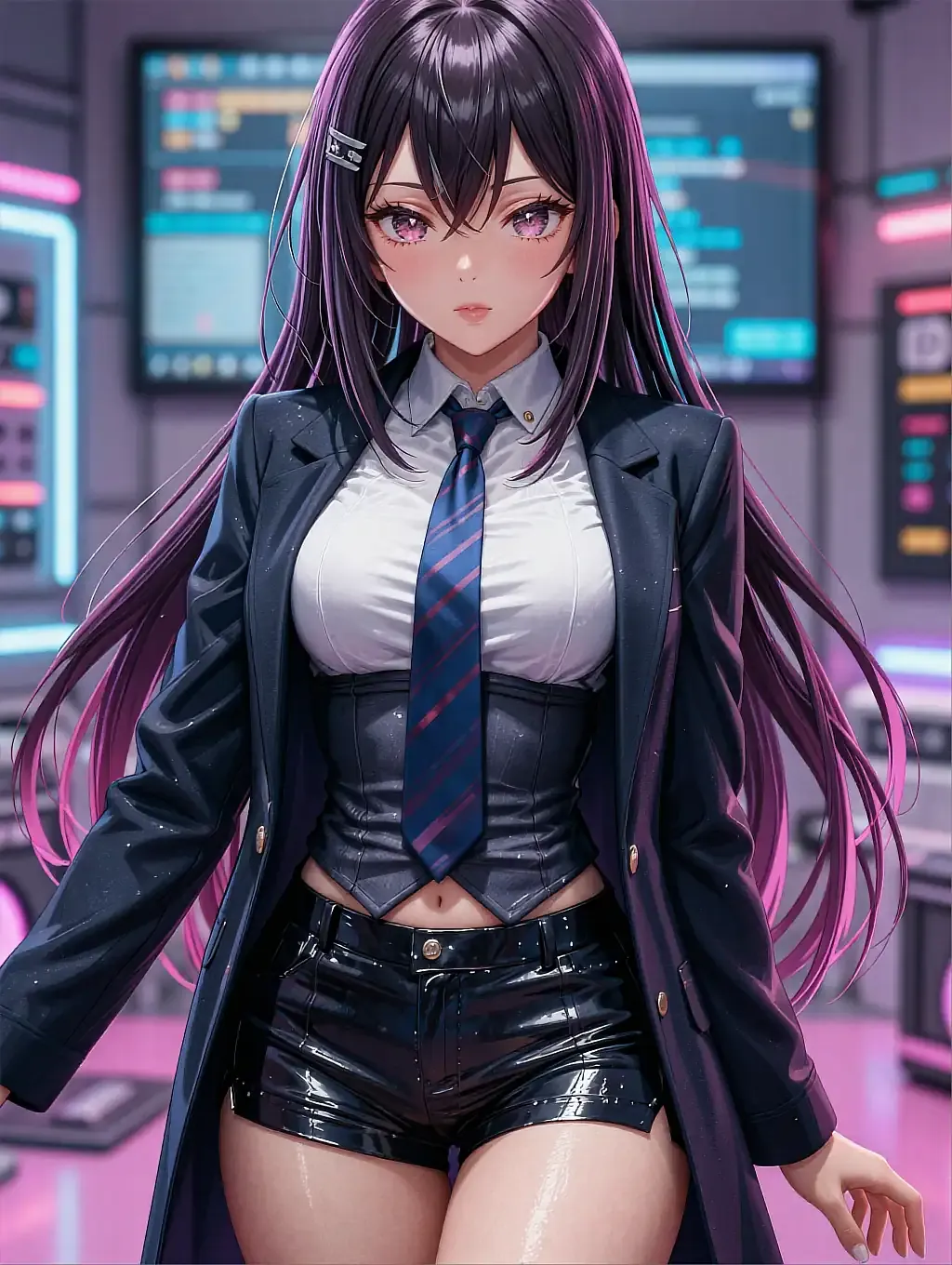
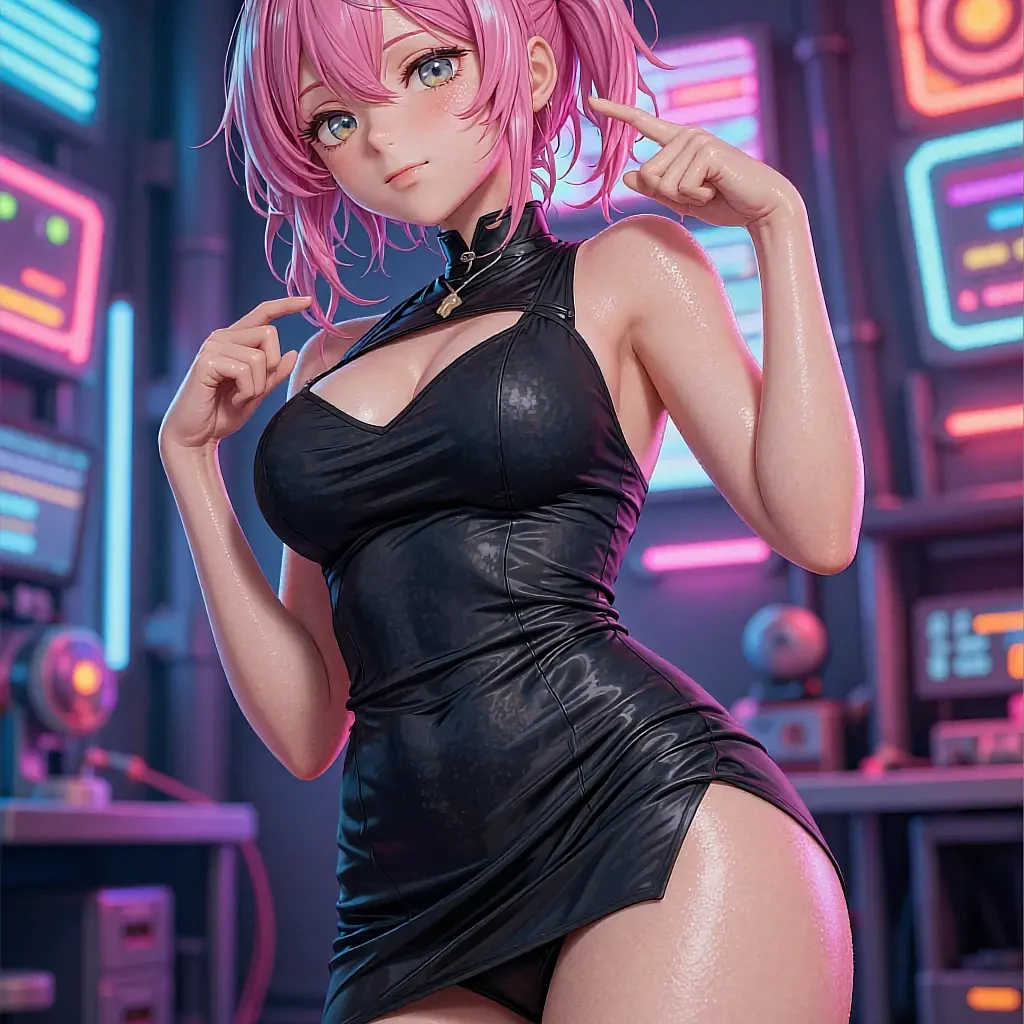
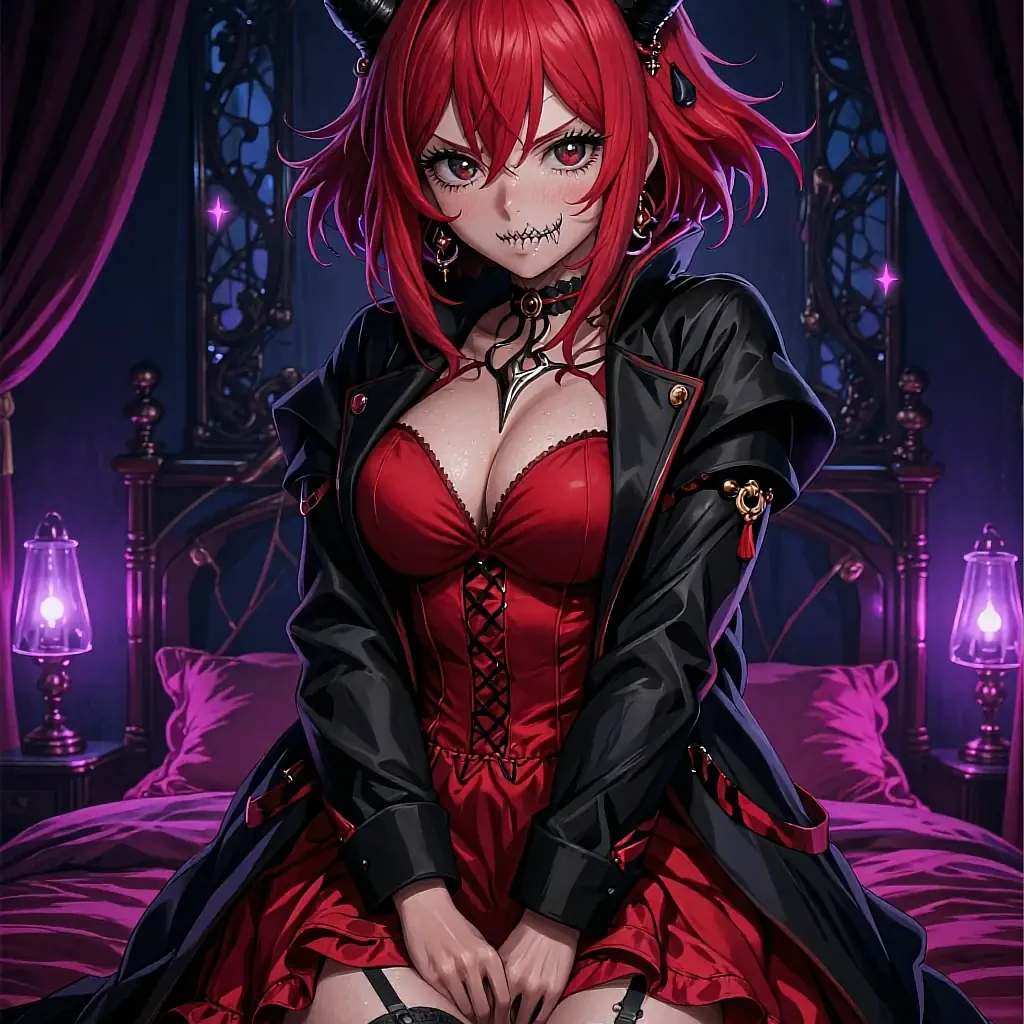
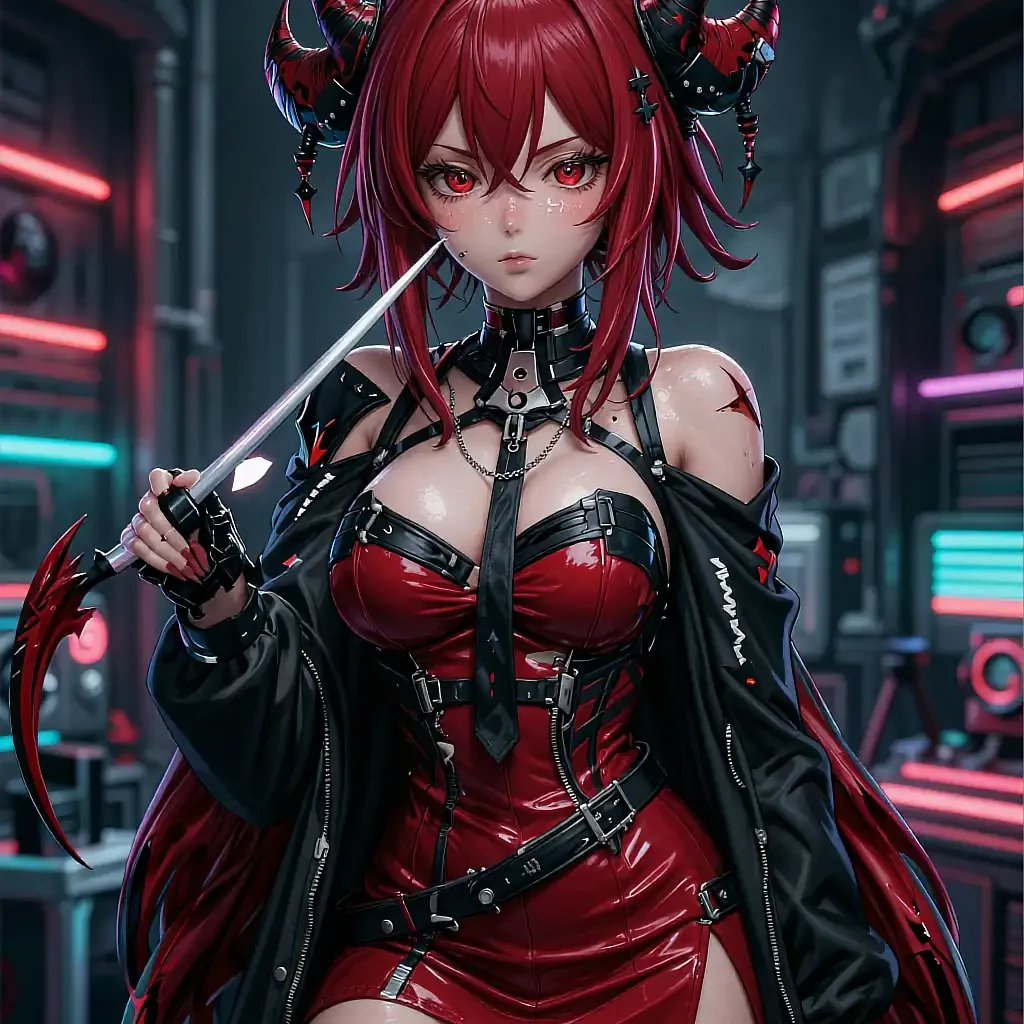
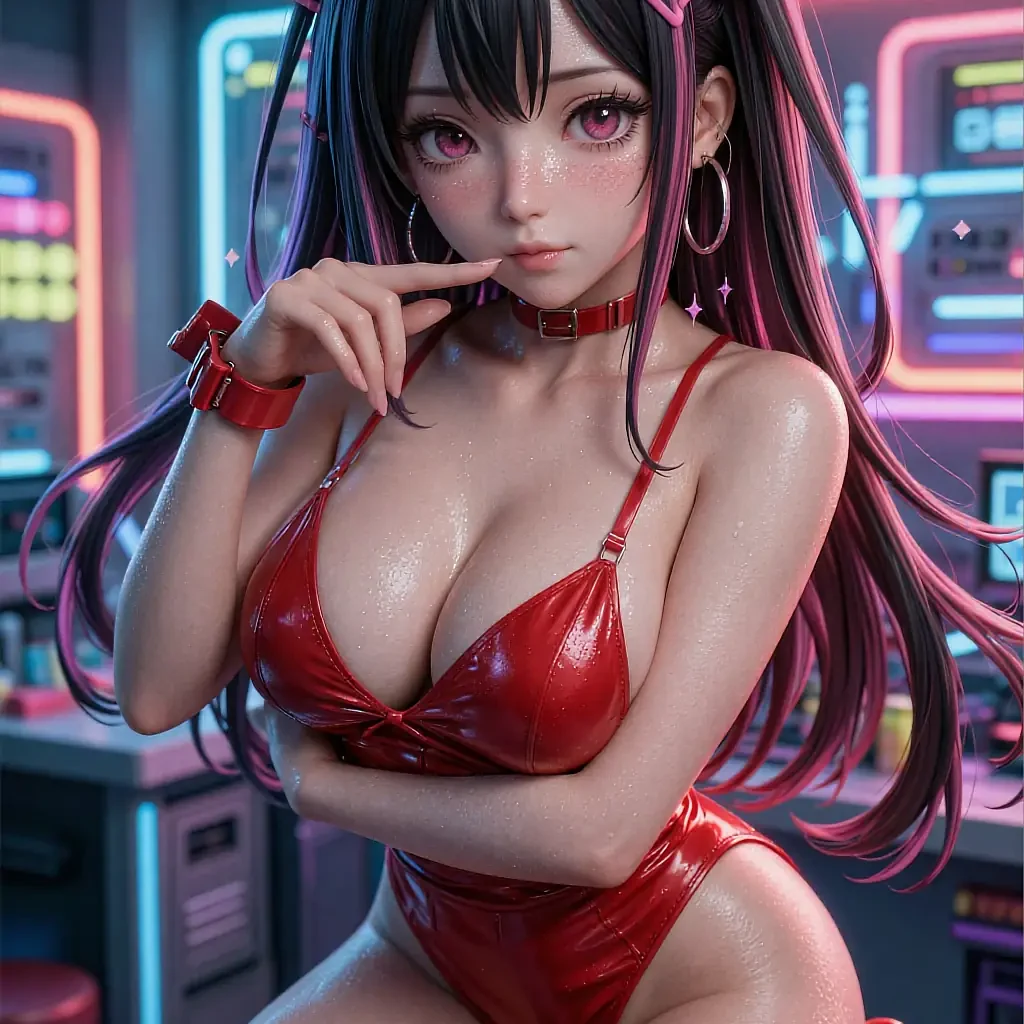
Different characters and settings shown here — the point is the shading style each carries, not the pose.
A flatter, bolder linework style under harsh neon signage.
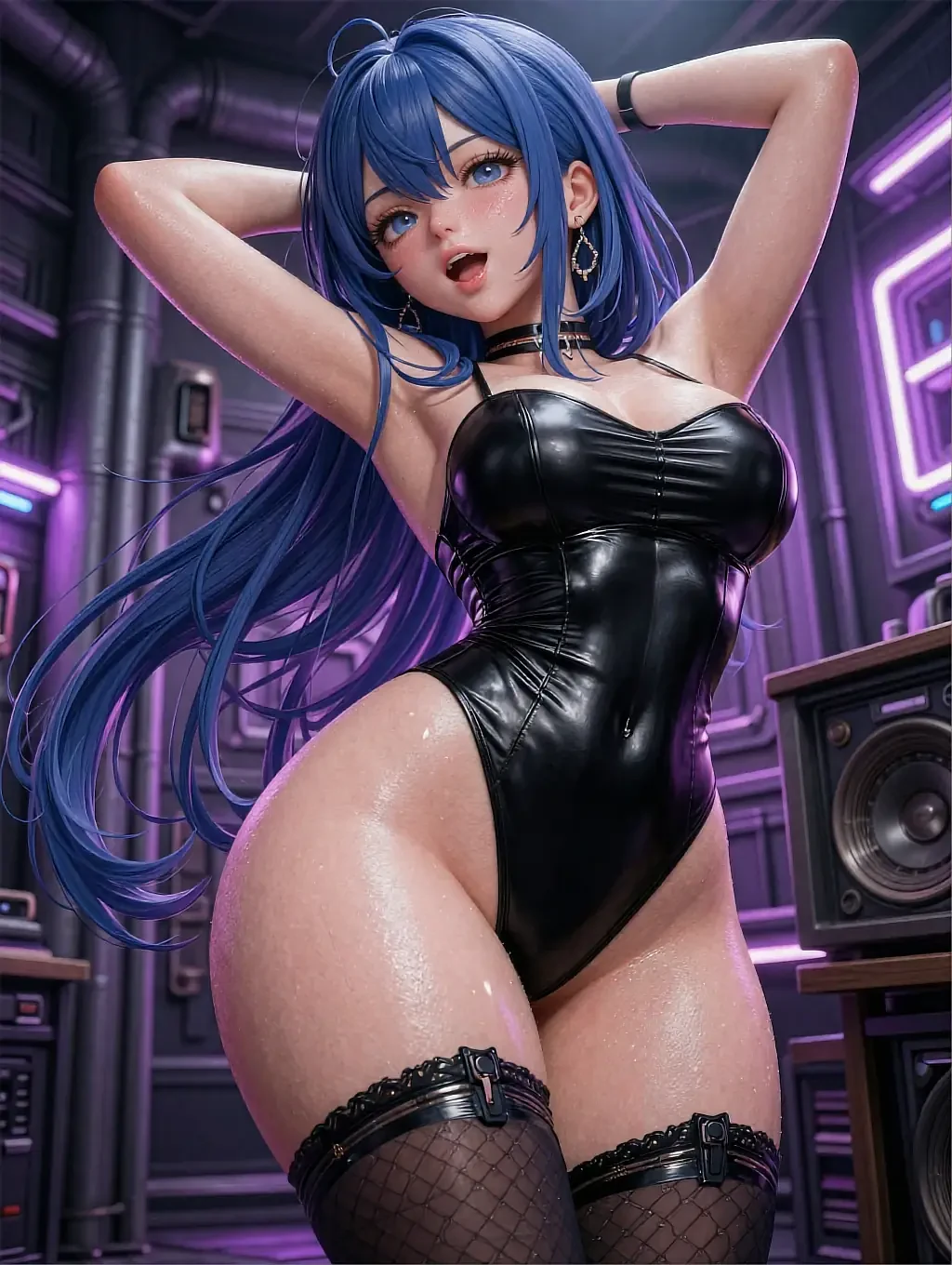
A moodier, more painterly treatment with softer edges.
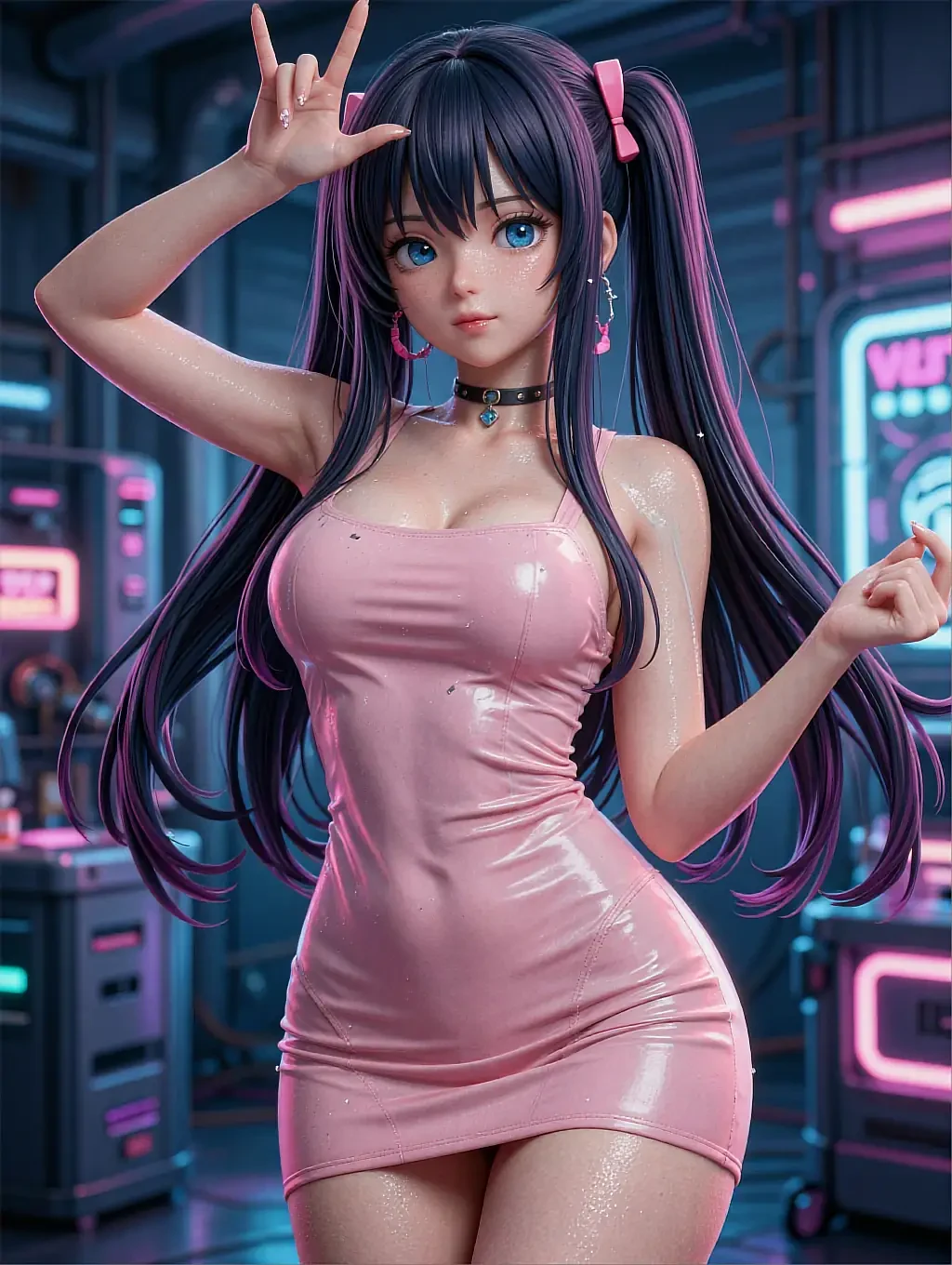
Brighter, more saturated colour with a playful pose.
04In practice
Naming a style without over-specifying it
A style request works best as two or three words, not a paragraph: "soft cel shading" does more than a long list of adjectives that all point in slightly different directions. The generator has to average conflicting instructions, and an averaged style reads as flatter than any of the styles it was averaging.
If a render comes back close but not quite right, change one style word and keep everything else — the scene, the pose, the character — exactly as it was. That isolates what actually shifted the look, which is faster than rewriting the whole hentai ai art prompt from scratch.
05Quick answers
Hentai AI art — quick answers
01What style words actually work?
02Can I apply a style to a character I already picked?
03Why did my style request only partly apply?
04Is higher-resolution art available?
06Keep reading
Four more pages on hentai girlfriend AI art
Each one answers a different question the others don't.
07Start now
Set the style, then render
Cel-shaded, painterly or pastel — pick a look, keep the character, open the canvas free.